Tutorials · 13 sec
How to fix backlit photos with a 1977 instant camera
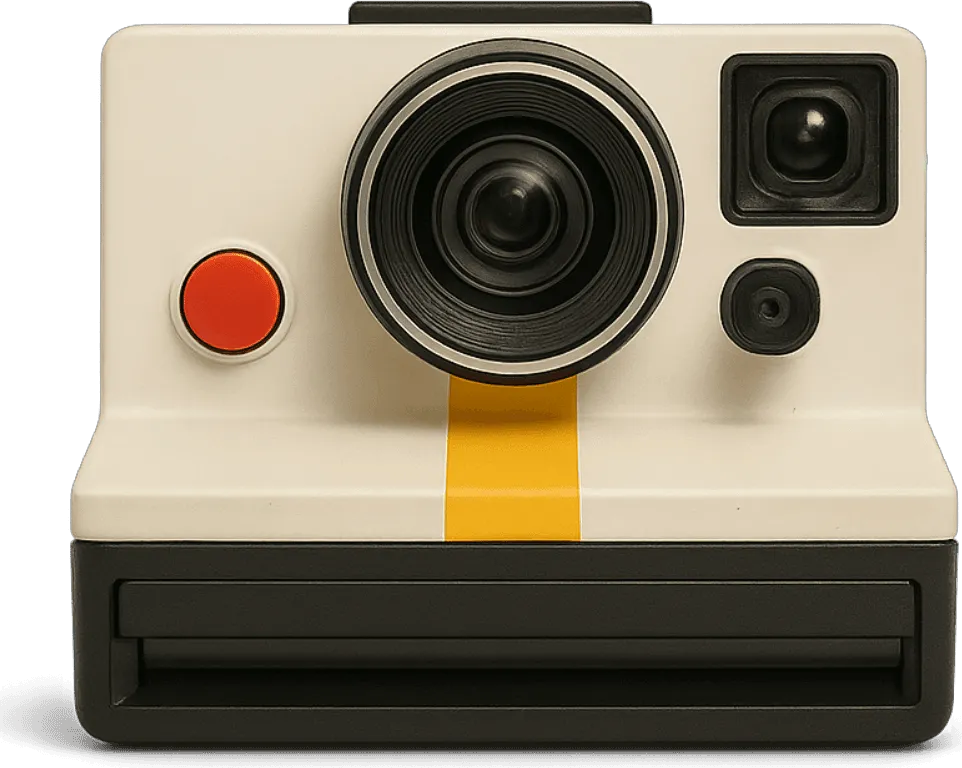
Faces go dark when the sun is behind them. The V-460 has the same answer the 1977 original had: a small wheel next to the shutter that lightens the next shot.
In short
- Open the V-460
- Turn the wheel to L
- Shoot
- Let it develop
Shooting into the sun with the V-460? Turn the lighten and darken wheel to L before you shoot, and the face comes out bright while the sunset stays.
The difference
-
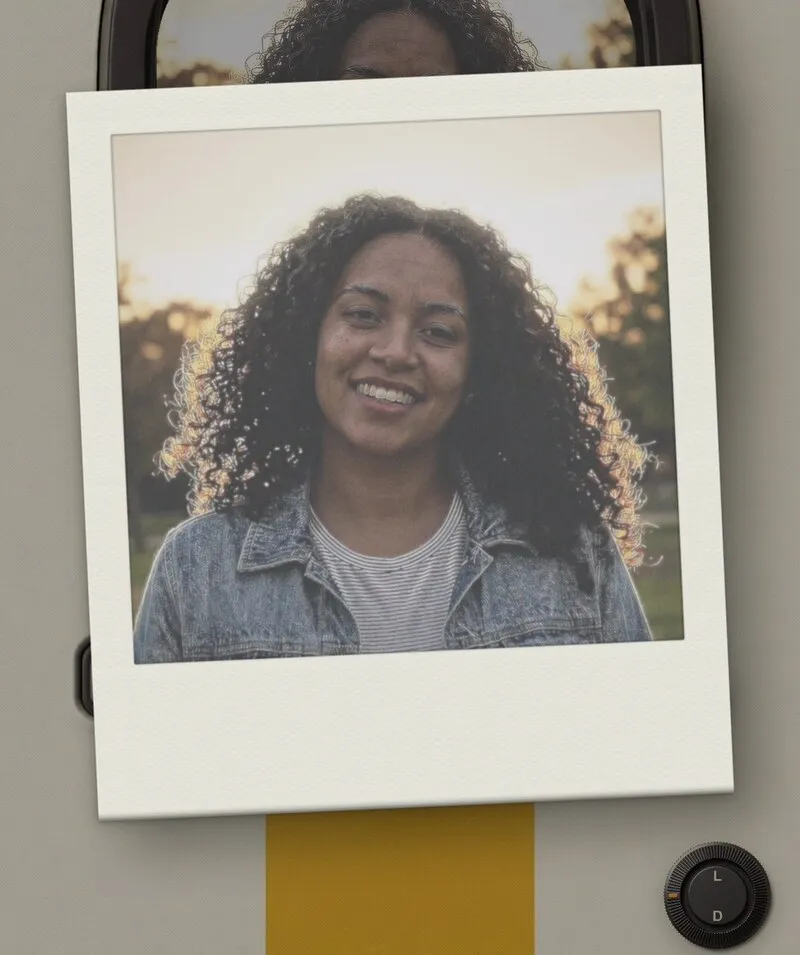
Normal
-
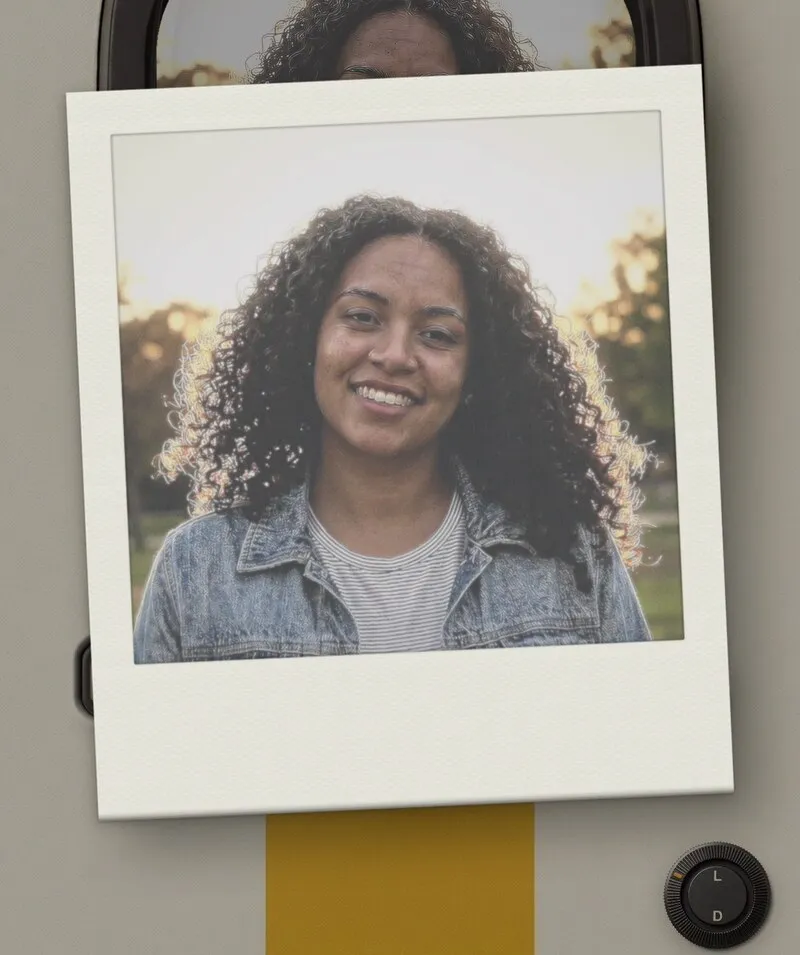
Wheel on L
Step by step
-
1
Open the V-460
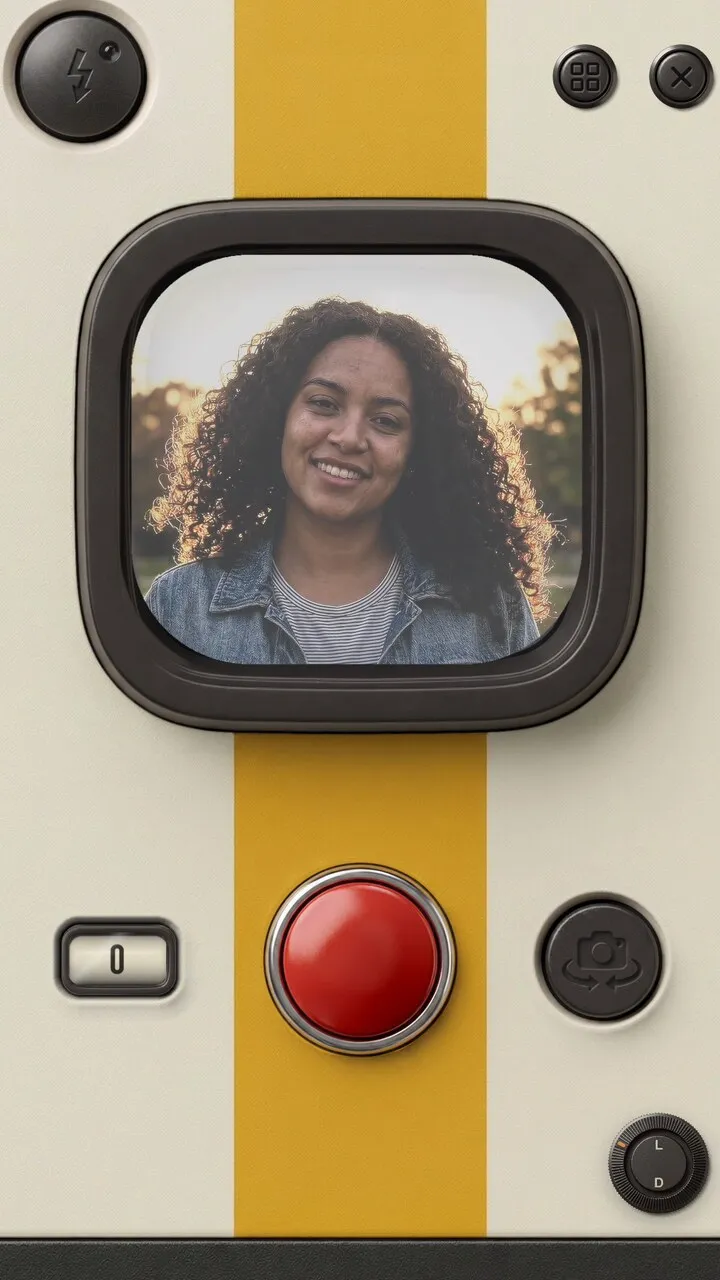
In VNTG, tap Create, then Camera, and pick the V-460 from your camera bag.
-
2
Turn the wheel to L
The small wheel on the right of the camera body is marked L for lighter and D for darker. Turn it to L.
-
3
Shoot
Frame the face against the light and press the red shutter.
-
4
Let it develop
The print slides out and develops. Same sunset, brighter face.
The V-460 is free to shoot with.
Keep going
 Free on iPhone
Try it on your own photos.
VNTG is free to download on iPhone.

4.7 from 39,000+ ratings