

Black and white camera · 1965 · USA
V-422: punchy 60s black and white, sharp and bold
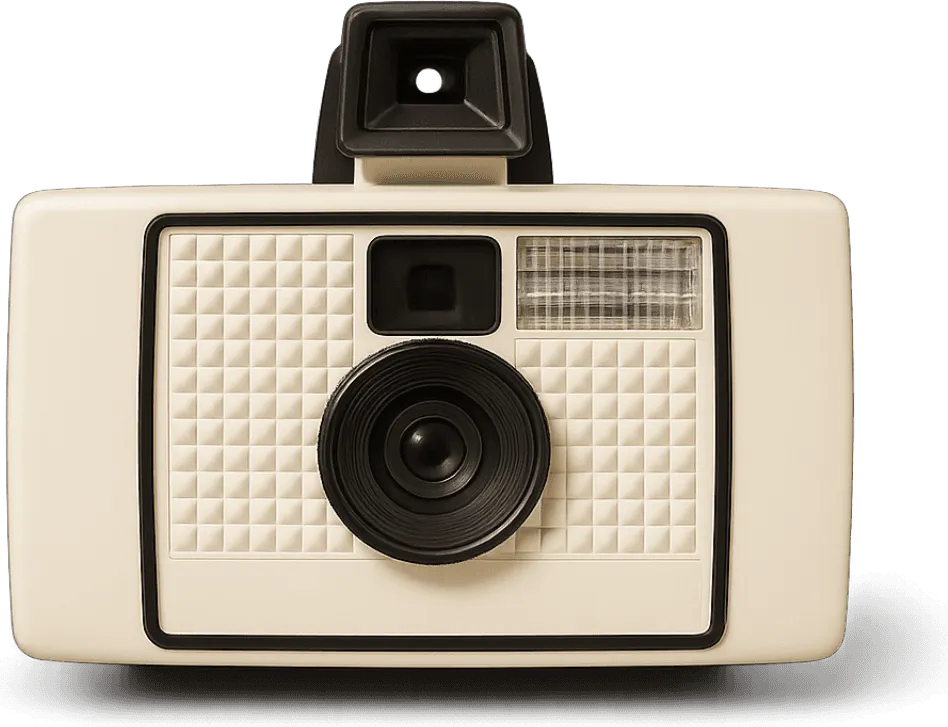
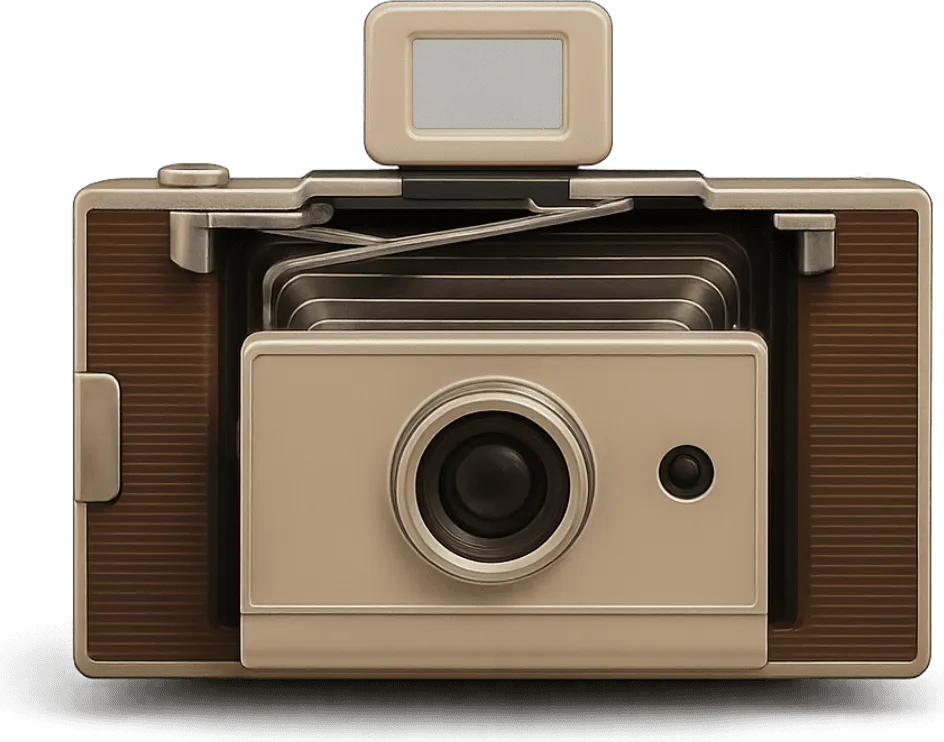
Put any iPhone photo through the V-422, a black and white camera from 1965. Its own film, frames and fonts come with it.
4.7 from 39,000+ ratings on the App Store
More photos on the V-422
Real prints from the app. Each camera gets the same photos, so you can compare them.
-

Friends
-
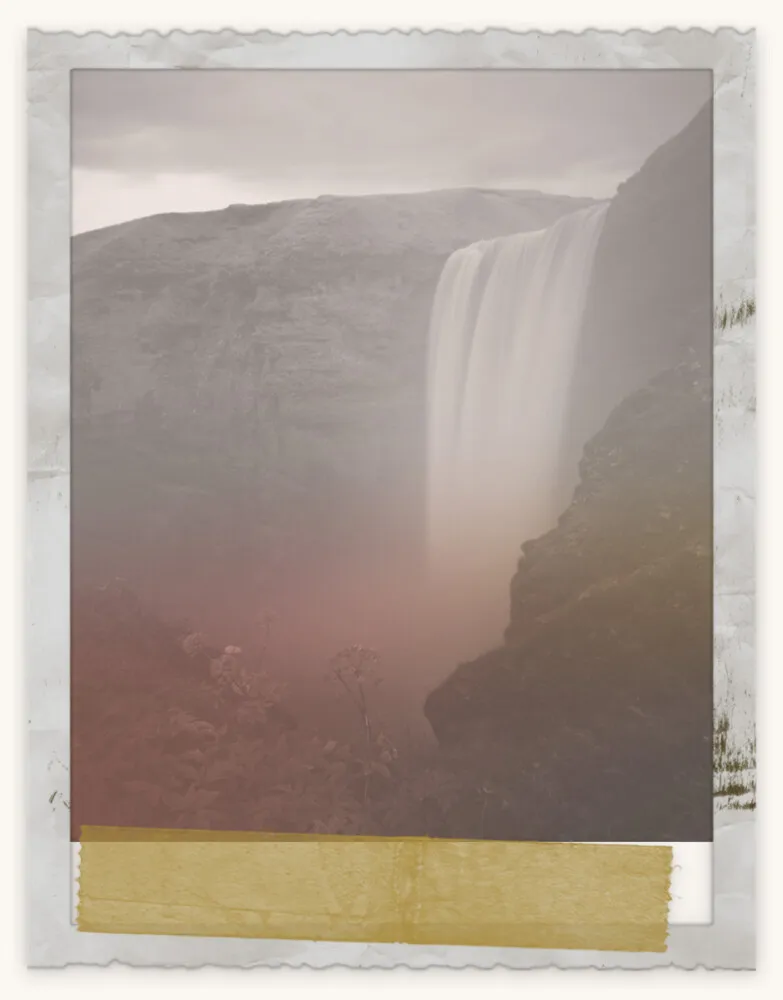
Landscape
-

At home
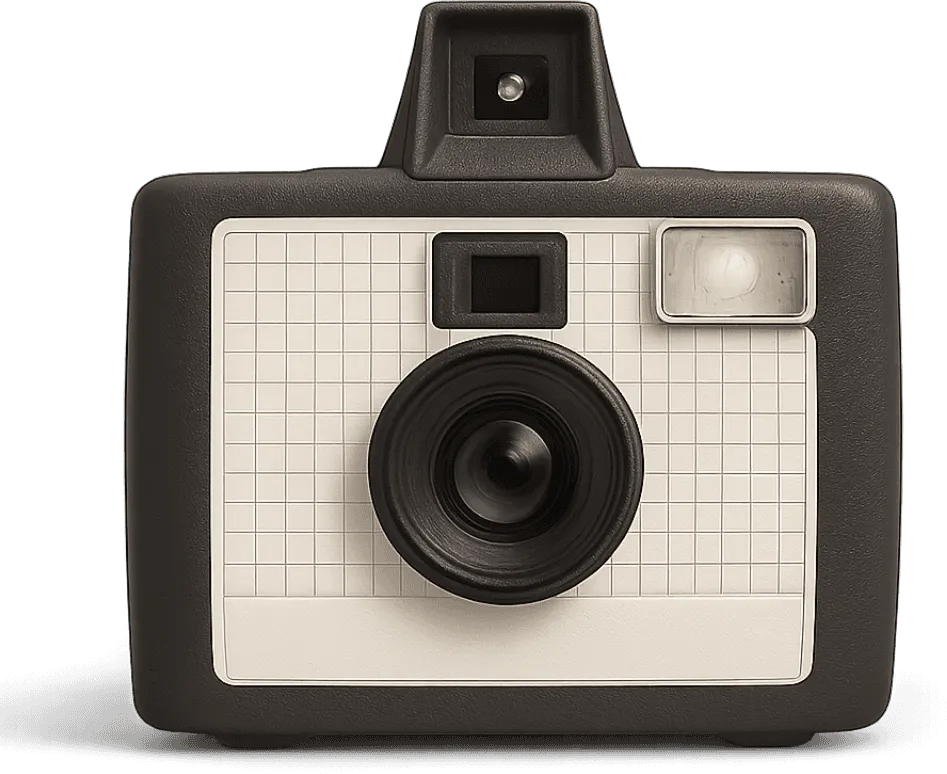
What comes with the V-422
- Era
- 1965, USA
- Type
- Black and white camera
- Frames
- 6 borders of its era
- Film
- 10 film stocks
- Effects
- 10 light and texture effects
- Captions
- 8 period fonts
- Price
- Free in VNTG
How to get the look
In Studio, the vintage photo editor, on iPhone or iPad. It takes about a minute.
-
1
Pick the V-422
Open VNTG, go to your camera bag and swipe to the V-422.
-
2
Choose a border
Take a new photo or pick one from your iPhone, then choose one of six borders made for this camera.
-
3
Caption and save
Add a caption in a period font if you like, then save or share it.
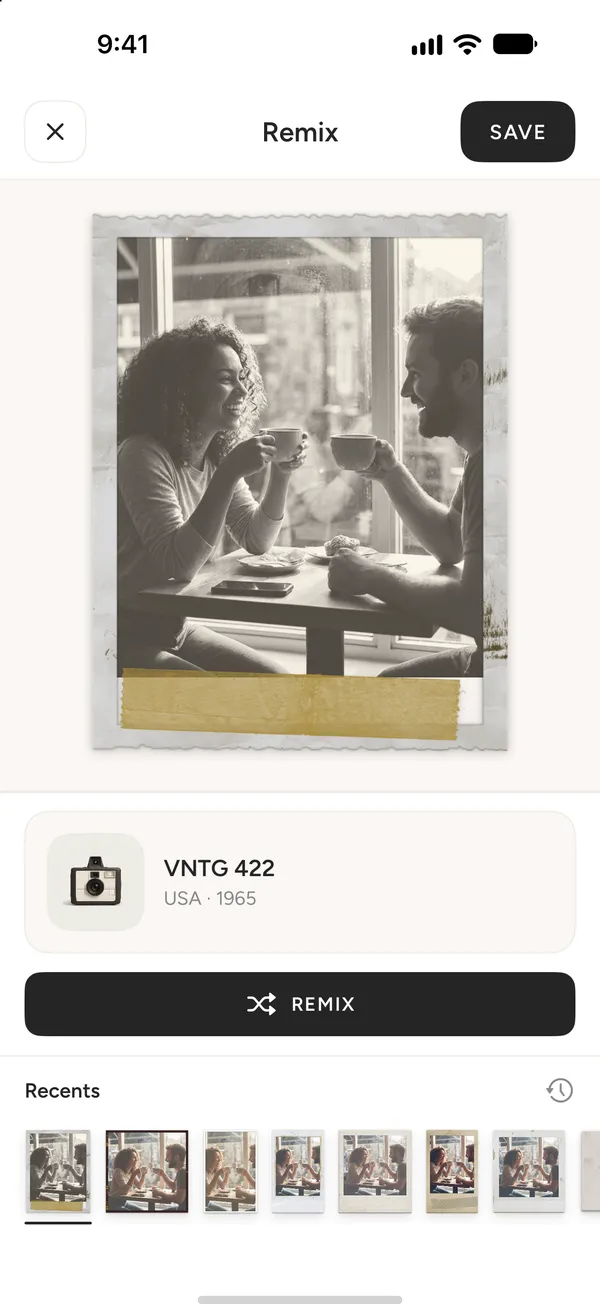
Or let chance pick: in Remix, every tap puts your photo through a different camera, and the V-422 is one of them.
V-422 questions
What people ask before they download.
Is the V-422 free?
Yes. The V-422 is free in VNTG, with its frames and fonts. VNTG PRO adds the PRO cameras, unlimited 4K saves and editing many photos at once.
What does the V-422 look like?
Punchy 60s black and white, sharp and bold. It is the look of a black and white camera from 1965, with the film, frames and fonts of its era.
Can I use it on photos I already have?
Yes. Pick any photo from your library and VNTG puts it through the V-422. Your original stays untouched.
Can I shoot with the V-422?
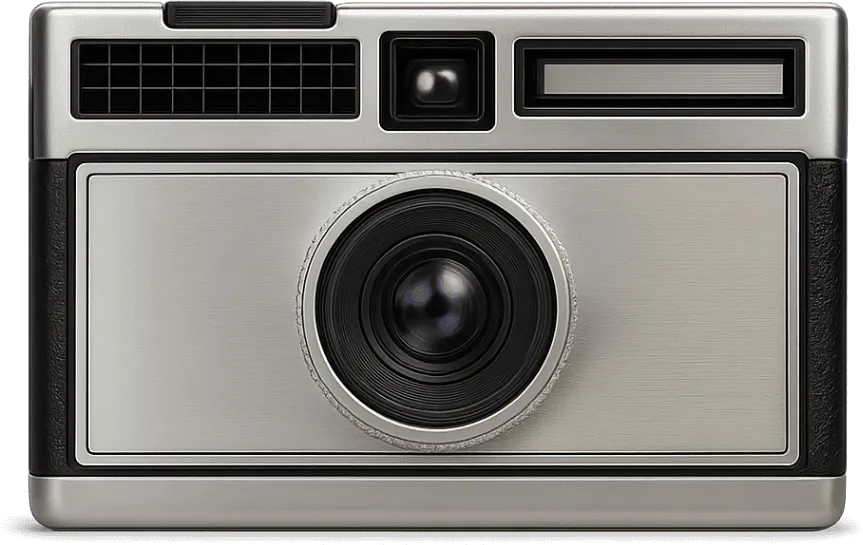
The V-422 works on photos you take with your iPhone or already have, in Studio and Remix. The cameras you can shoot through are the V-460, V-363, V-788 and V-420HW.
Does the V-422 work on video?
No. The V-422 is a photo camera: every edit comes out as a still.
 Free on iPhone
Your next photo, on the V-422.
VNTG is free to download, and the V-422 comes with it.

4.7 from 39,000+ ratings