Start Putting Your Photos on Film
Download VNTG free from the App Store. Pick one of 25+ film cameras and your photo is re-rendered through a real film look, hand-tuned to its era. Fine-tune with analog filters, aged effects, frames, and text, then save in full quality and share. No film, no darkroom, just your phone.
Apple store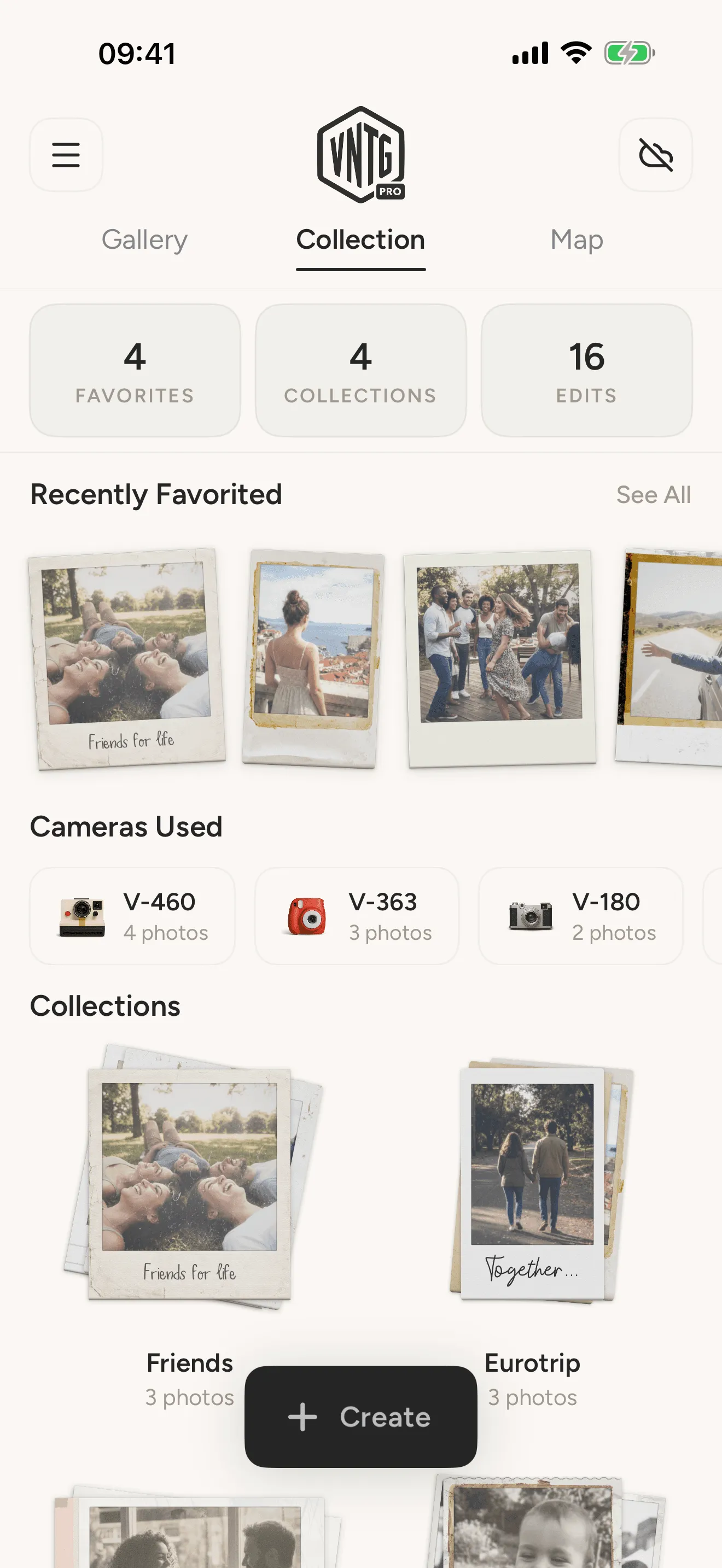
How VNTG Works
Making a photo look like real film takes three steps. Pick a camera, fine-tune the look, and save it in full quality.
-
Download VNTG
Free on iPhone and iPad.
-
Pick Your Photos
Choose one photo or a whole batch from your gallery to put on film.
-
Customize and Save
Pick a film camera, fine-tune the look across every photo at once, add frames or text, then save in full quality.
- Download
Inside the editor
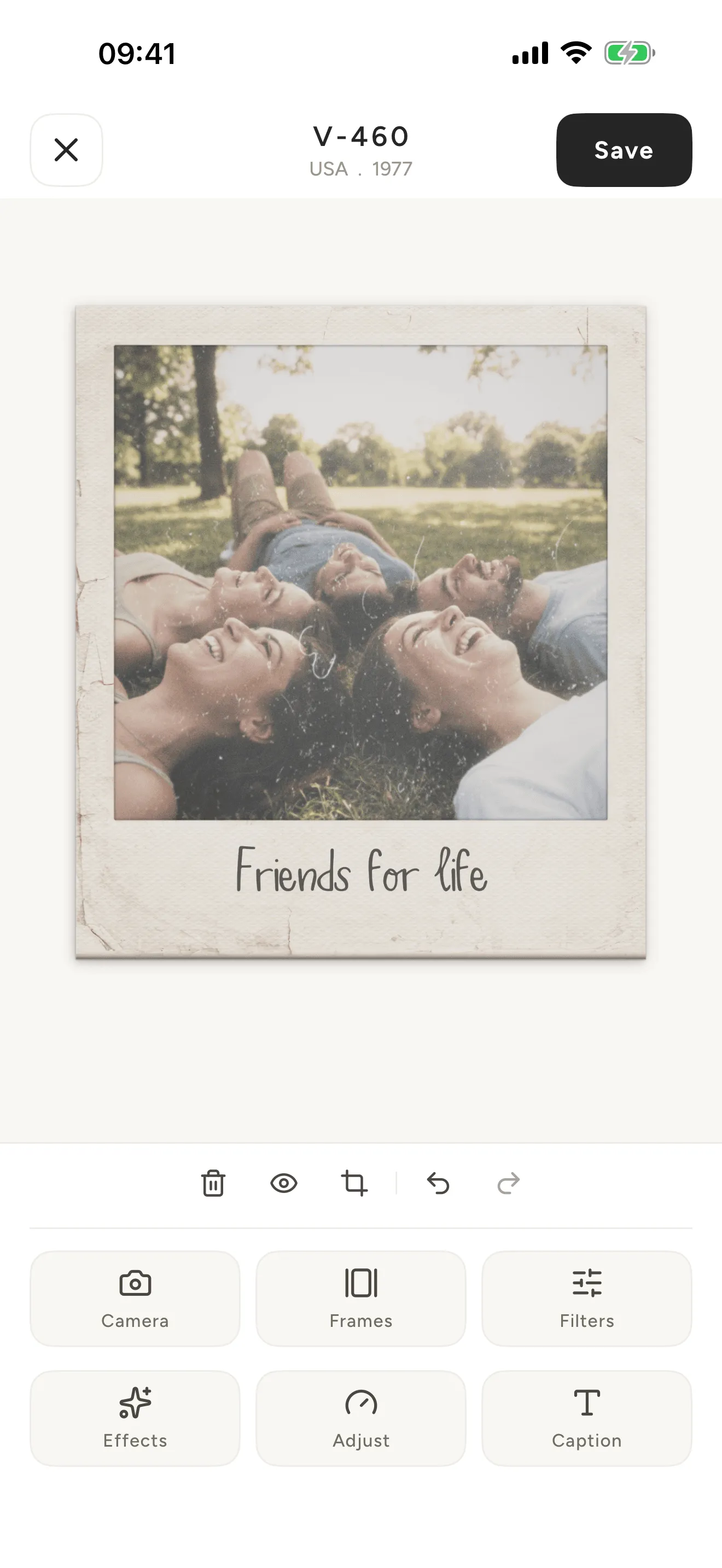
Six tools, one photo. Pick a camera, then take it as far as you want.
- 01
Cameras
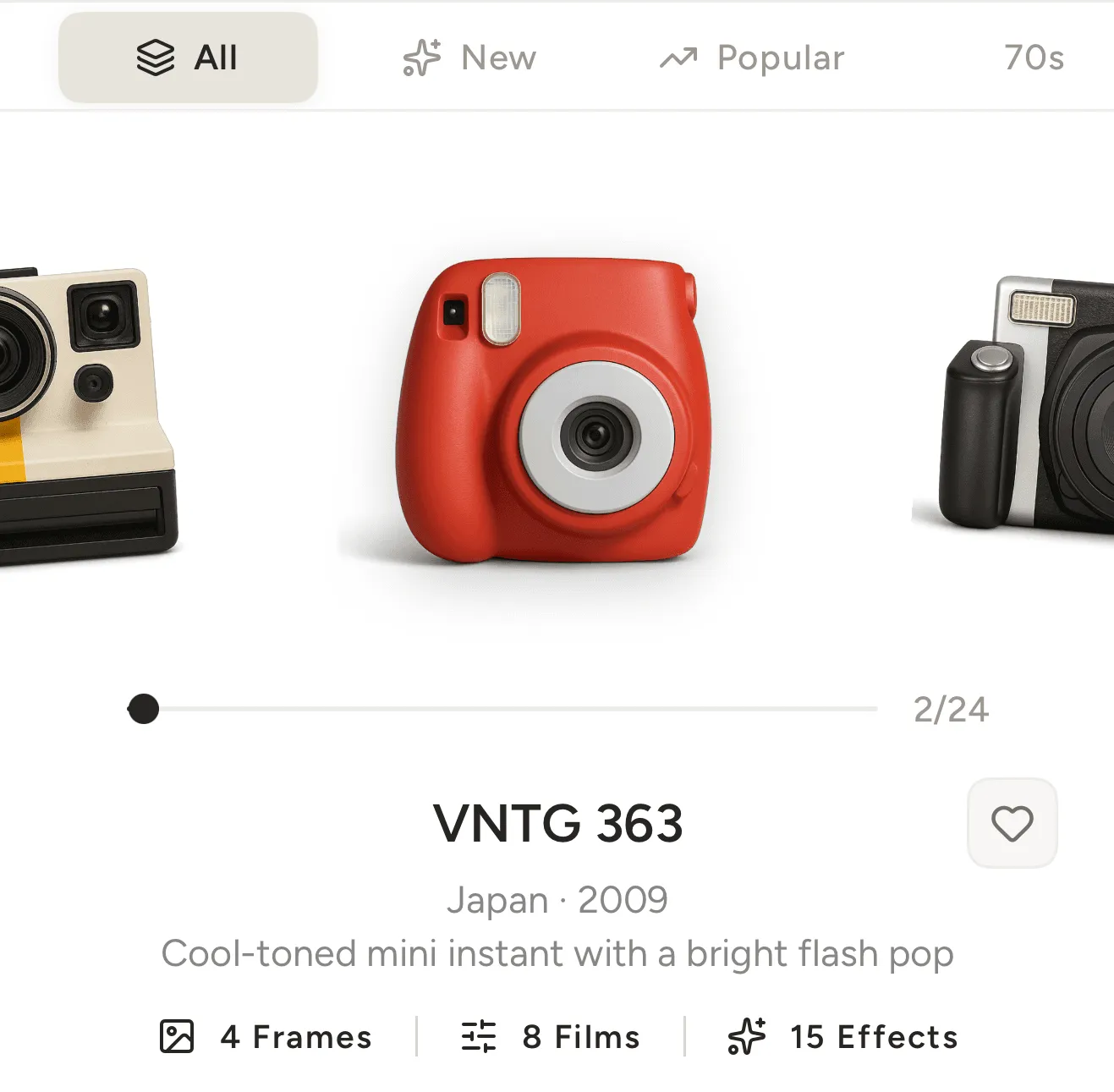
Each VNTG camera re-renders your photo through a real film look, hand-tuned to its era, with its own grain, color, and optical signature. 25+ to choose from, one for every era of film.
- 02
Frames
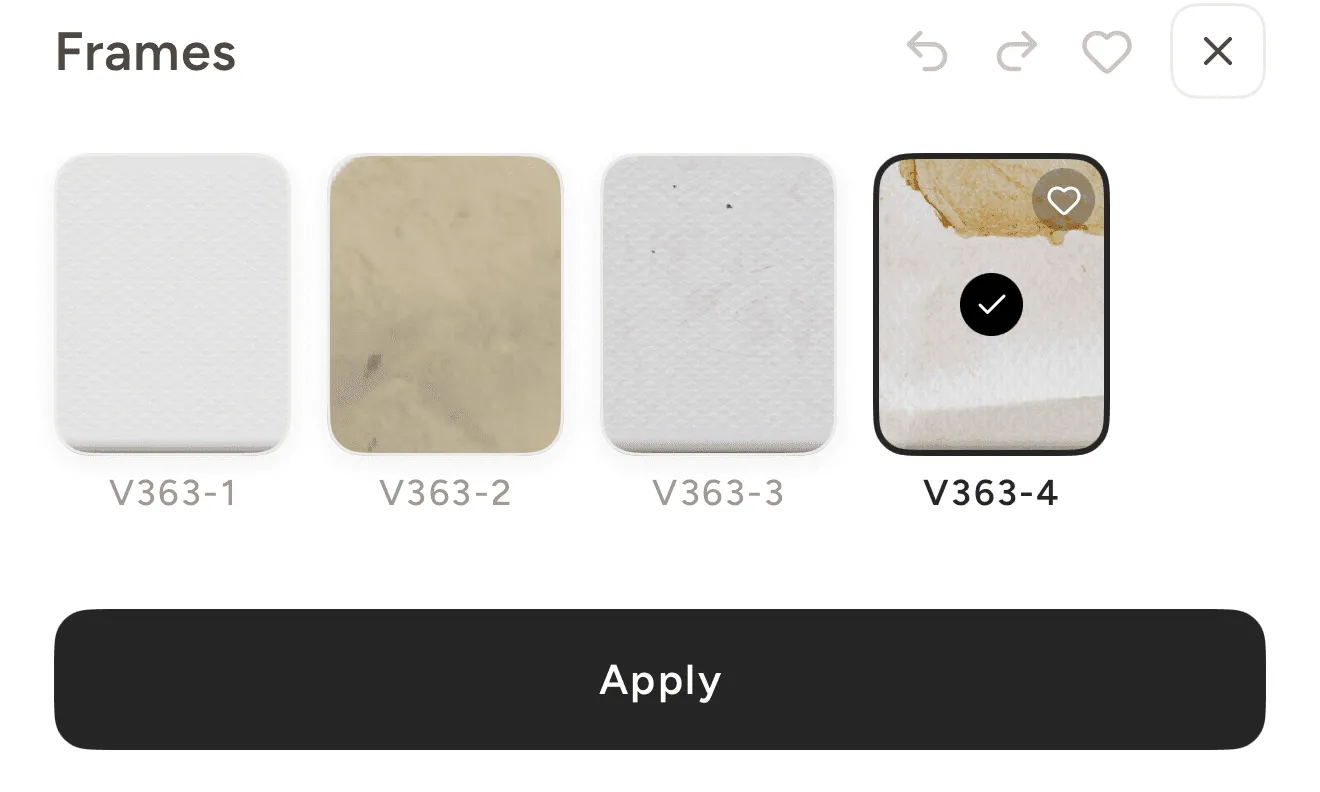
Every camera carries its own border textures, from clean white edges to worn, light-leaked film frames, so each photo gets a finish that matches its era.
- 03
Filters
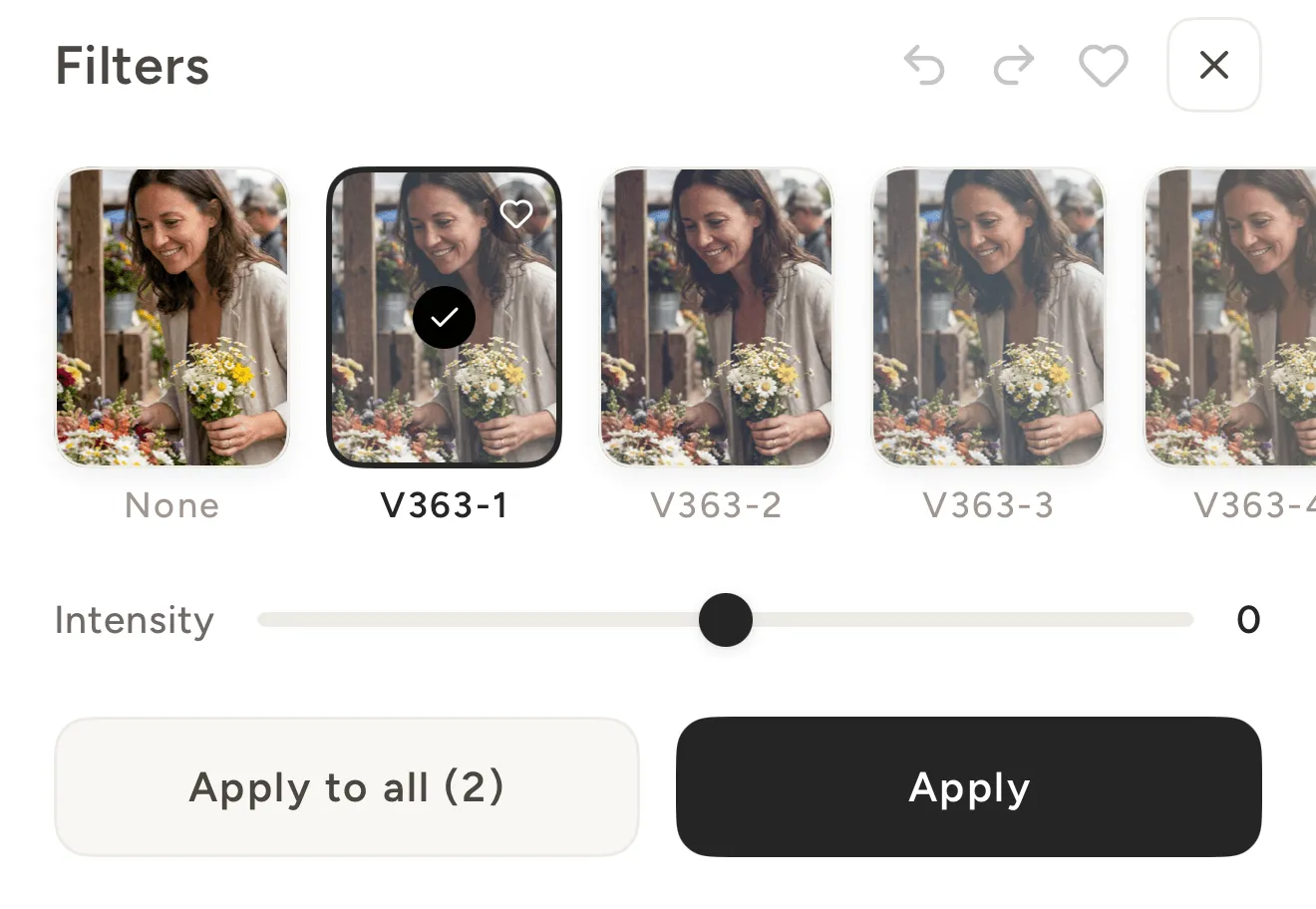
Layer analog filters tuned to each era, from faded color to soft black and white, and dial the strength until the look is exactly right.
- 04
Effects
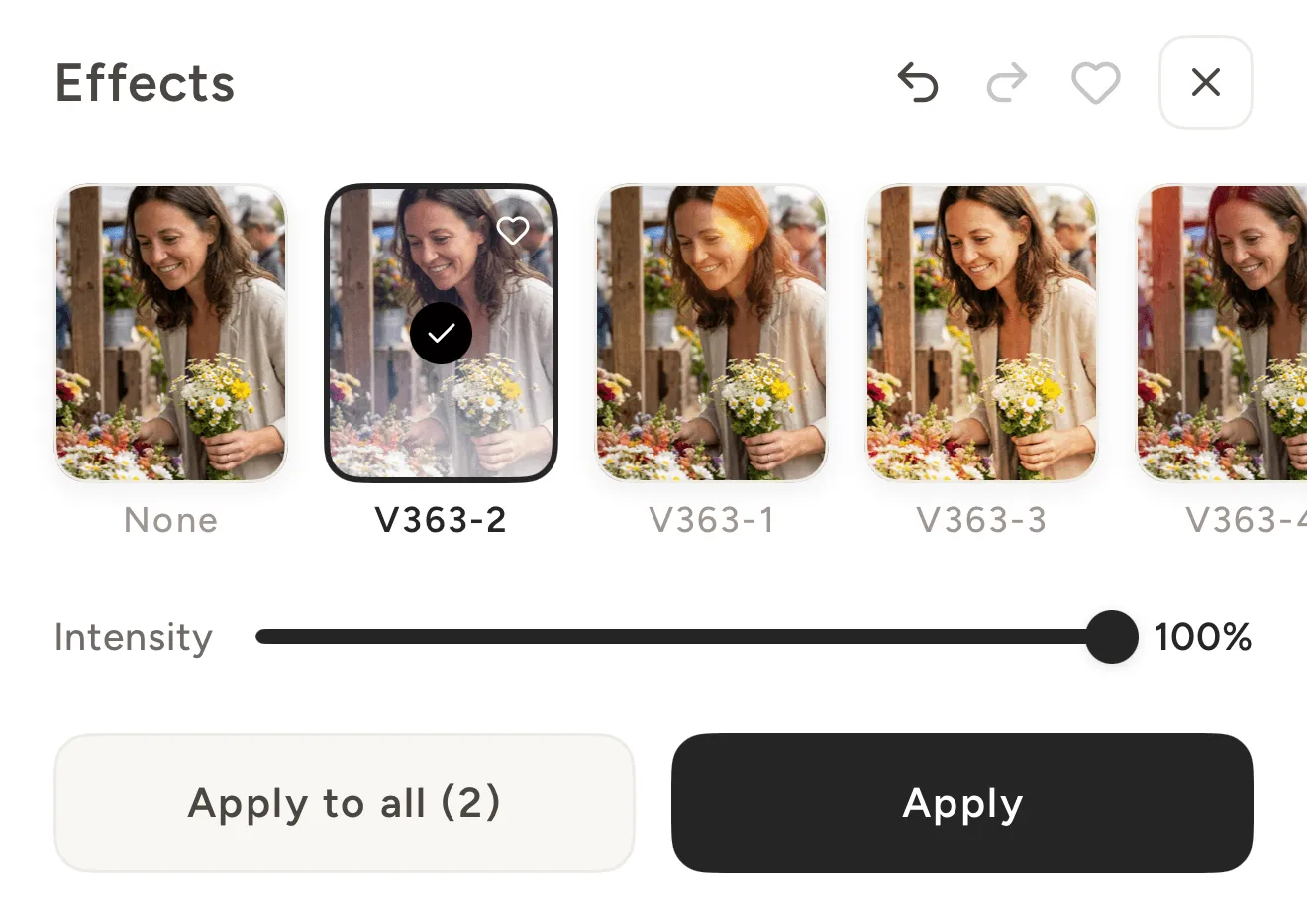
Add aged effects like grain, light leaks, and dust for the texture and imperfection of real film.
- 05
Text
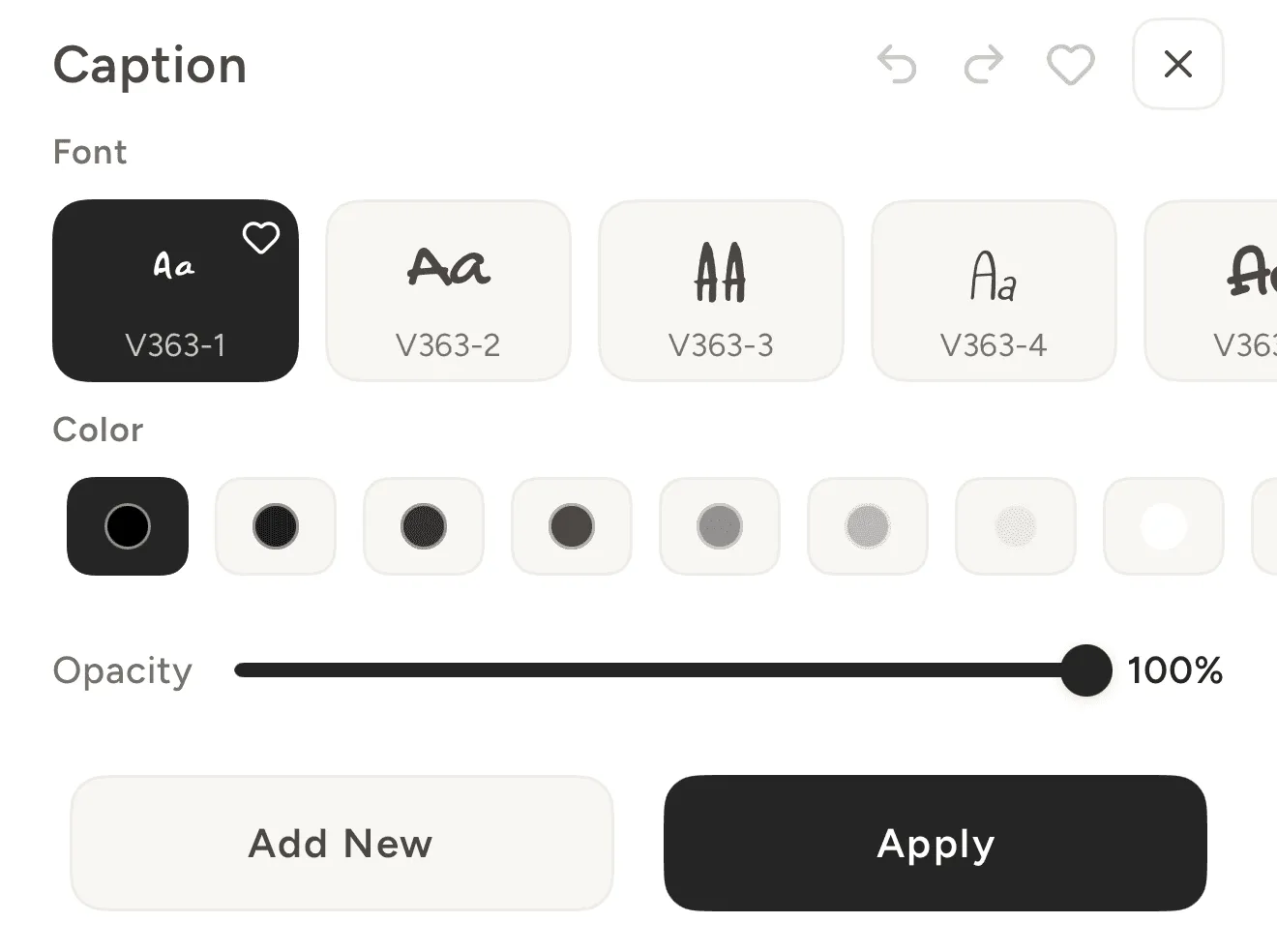
Add captions and quotes with fonts drawn from each camera’s era, with full control over placement, color, and opacity.
- 06
Adjustment
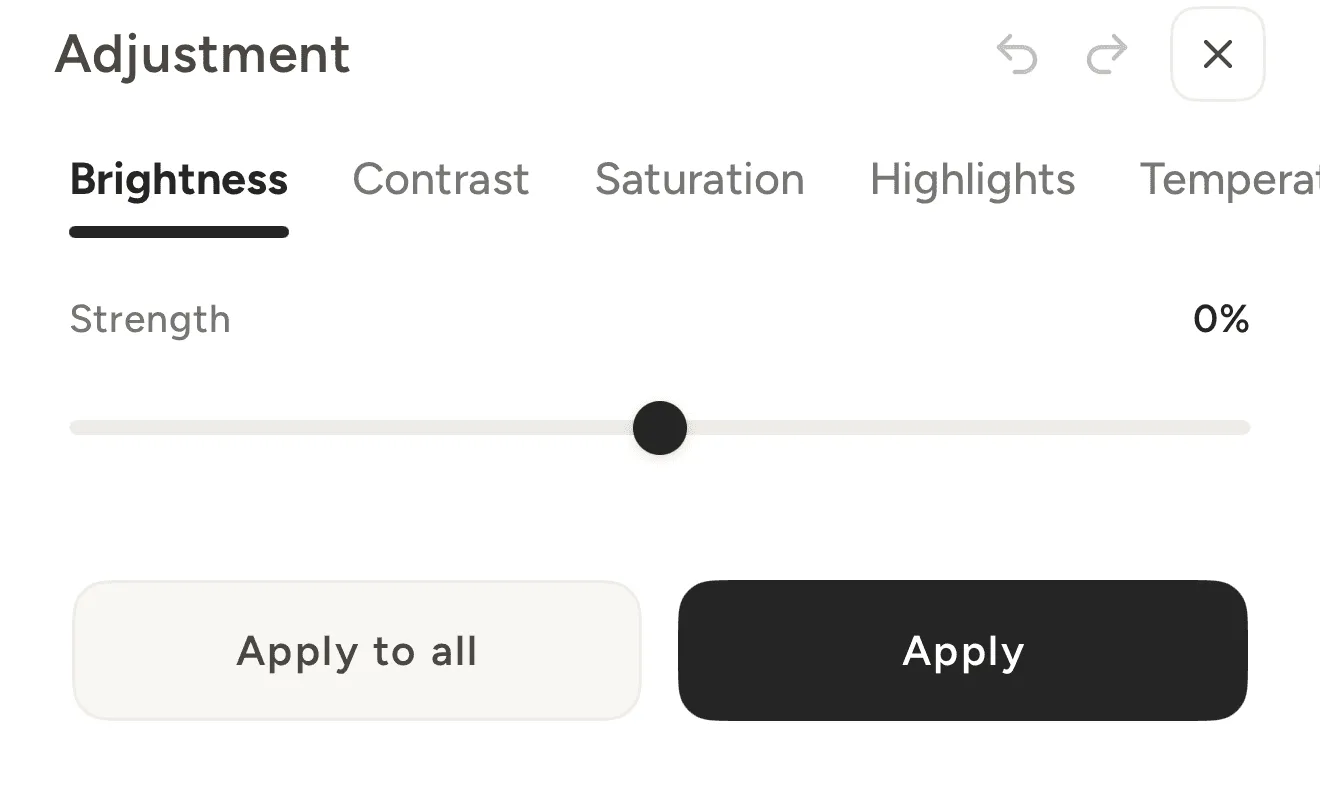
Fine-tune brightness, contrast, exposure, shadows, and more across twelve manual controls to land the exact mood you remember.
Questions about the edit
What the cameras do, batches, text, frames, and fine-tuning.
What do the cameras actually do?
Each VNTG camera re-renders your photo through a real film look, hand-tuned to its era, with its own grain, color, border textures, analog filters, and aged effects. It's not one filter on top, it's the whole optical signature of that camera.
Can I edit multiple photos at once?
Yes. Multi-photo edit runs a whole batch through the same camera and settings, so an entire set comes out with one consistent film look.
Can I add text to my photos?
Yes. The text tool uses fonts drawn from each camera's era, with full control over placement, color, and opacity, so your captions and quotes sit right at home in the period.
Are frames and borders included?
Every camera carries its own border textures, from clean white edges to worn, light-leaked film frames, so each photo gets a finish that matches its era.
Can I fine-tune the look?
Yes. Dial each camera's strength up or down and layer analog filters and aged effects until the mood is exactly what you remember.
Download VNTG and Put Your Photos on Film
25+ film cameras, every era of film, each hand-tuned to its grain. Free on iPhone and iPad.
Download