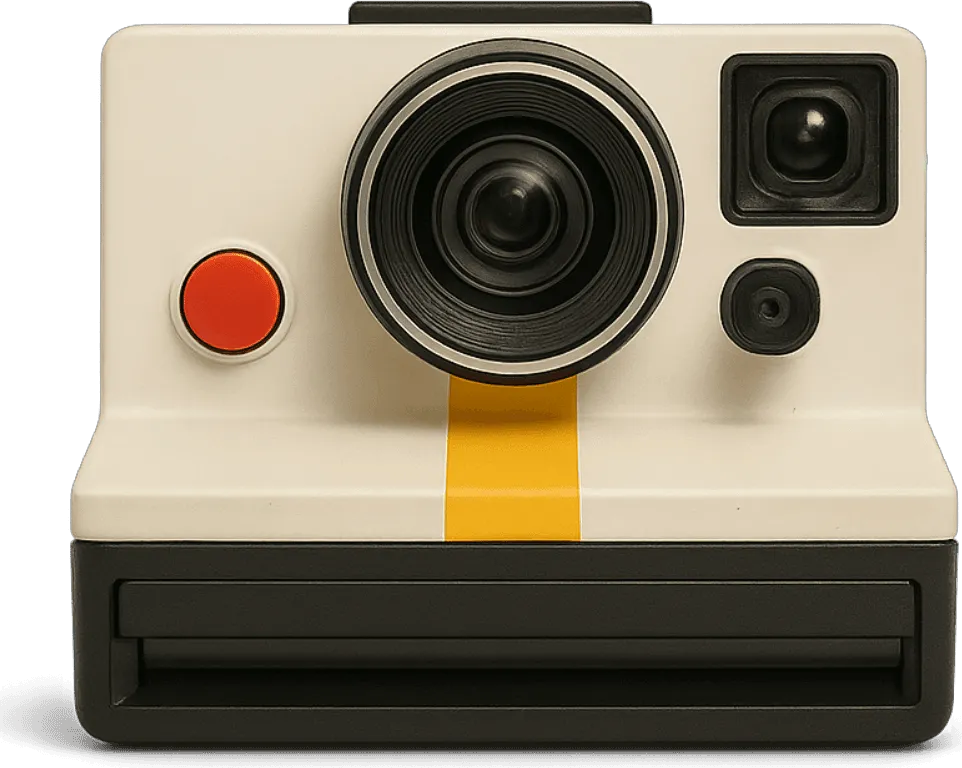
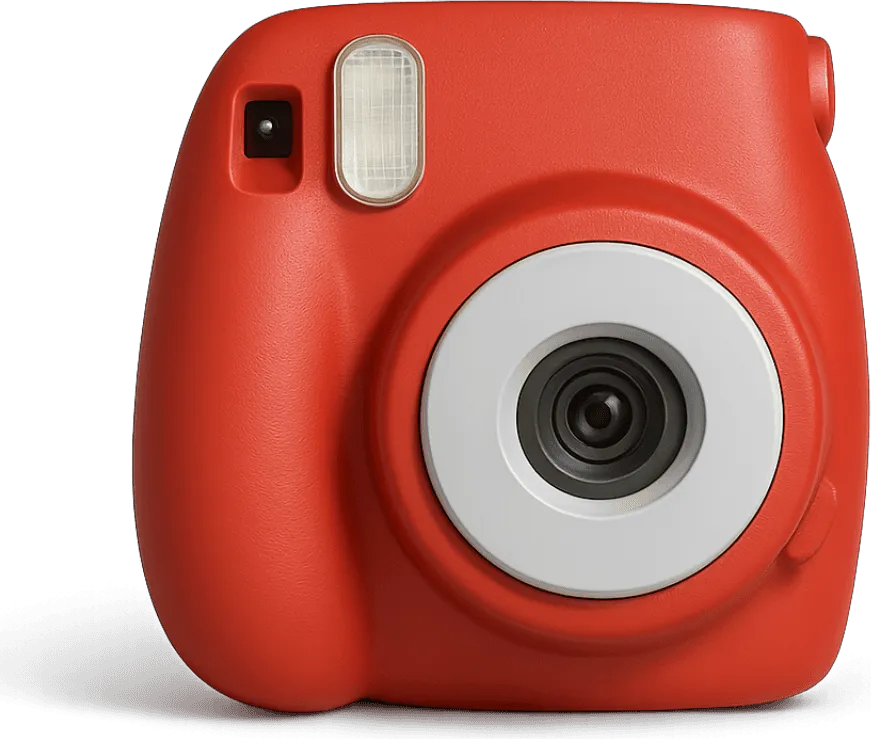
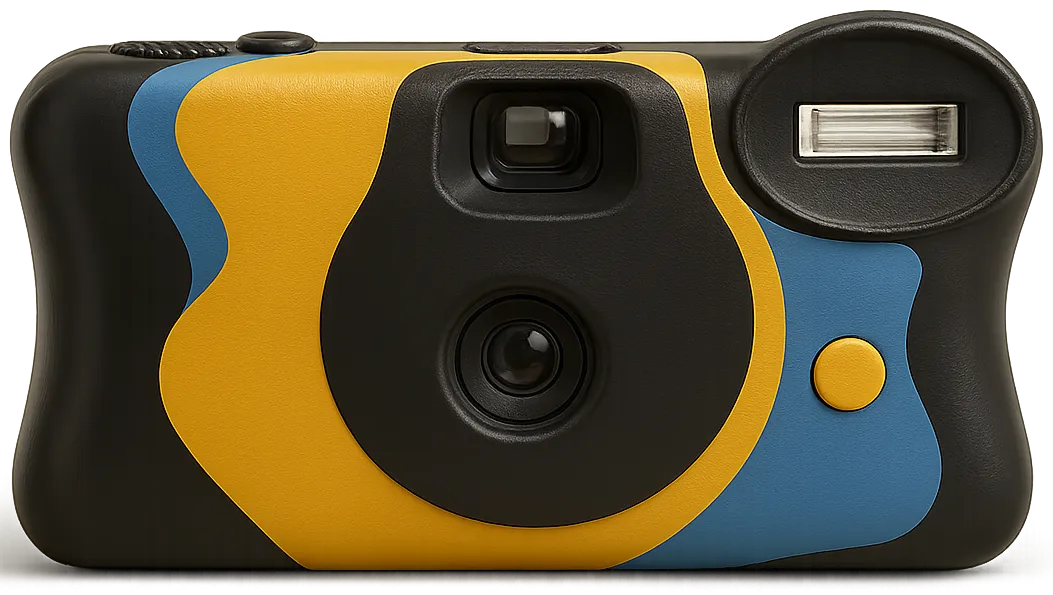
Remix · random photo filter
One photo, a new vintage look with every tap
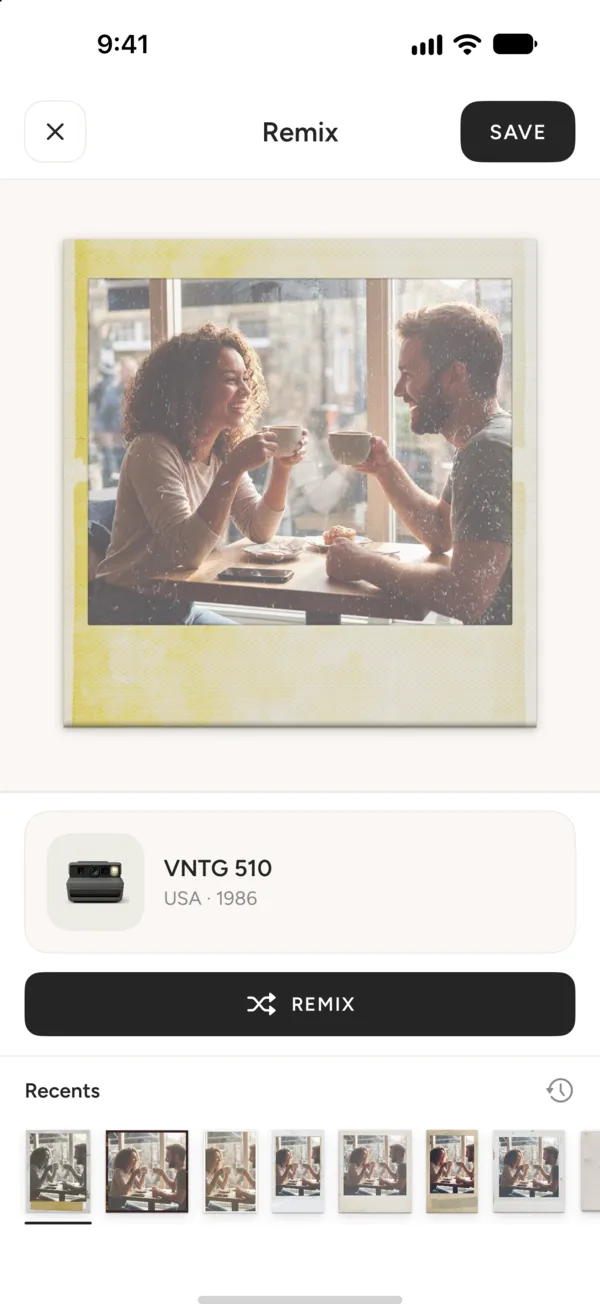
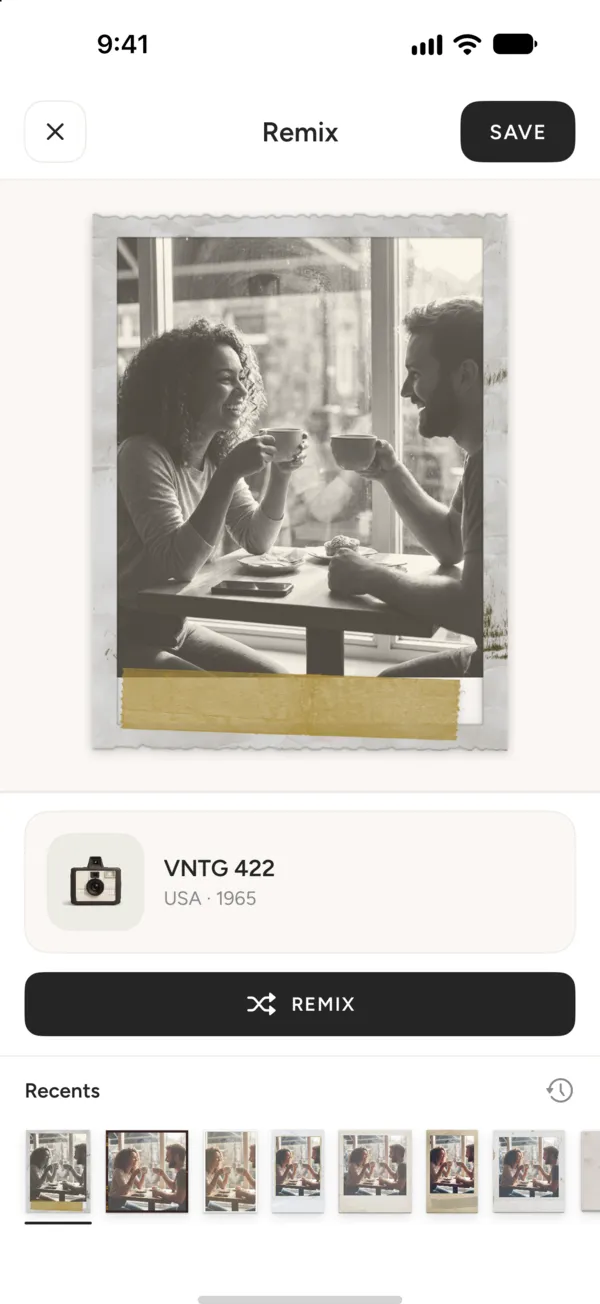
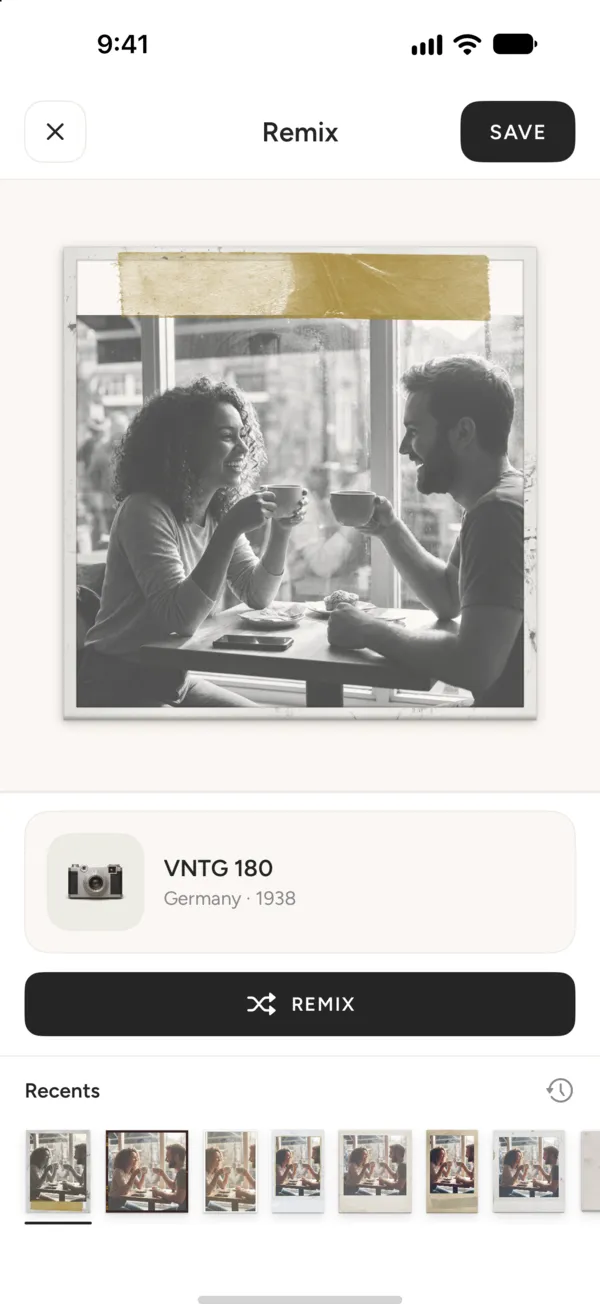
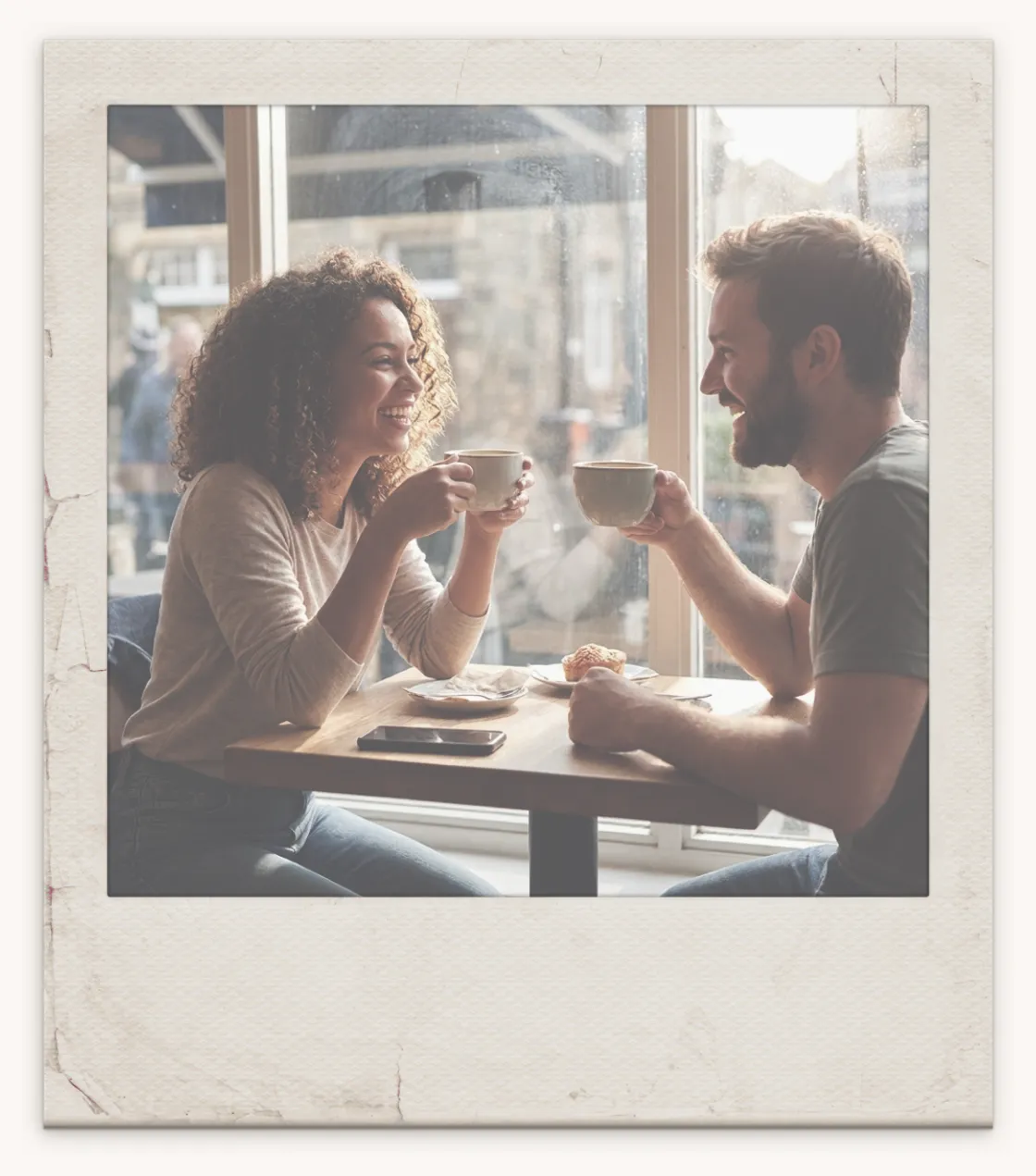
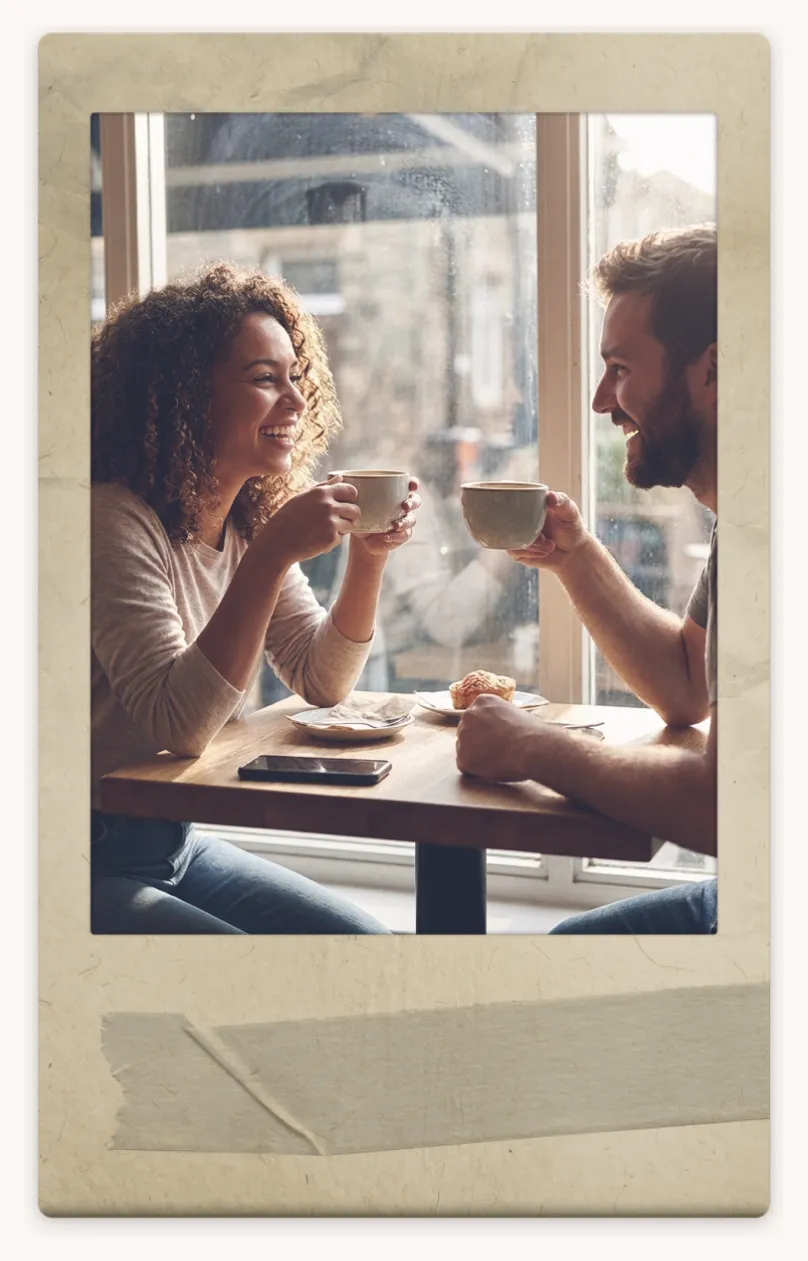
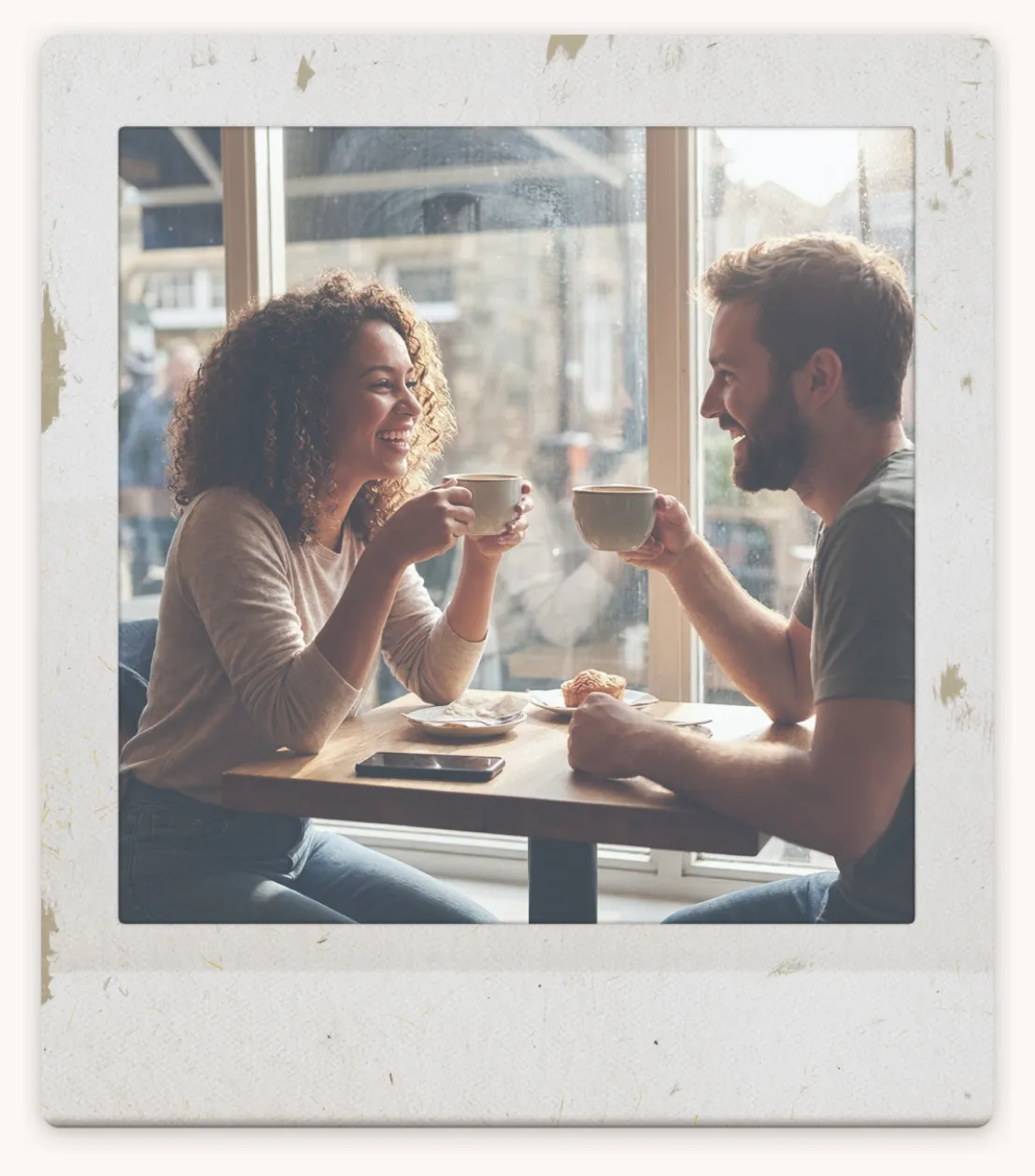
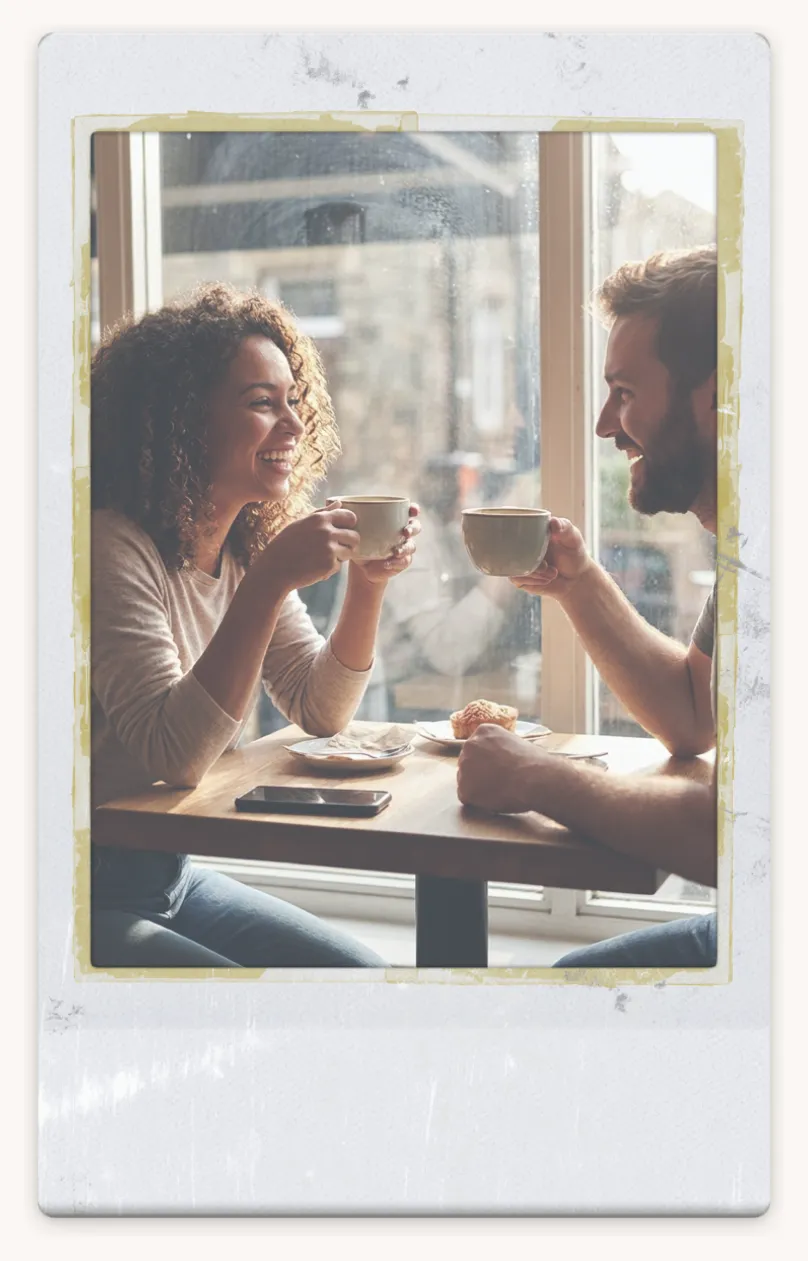
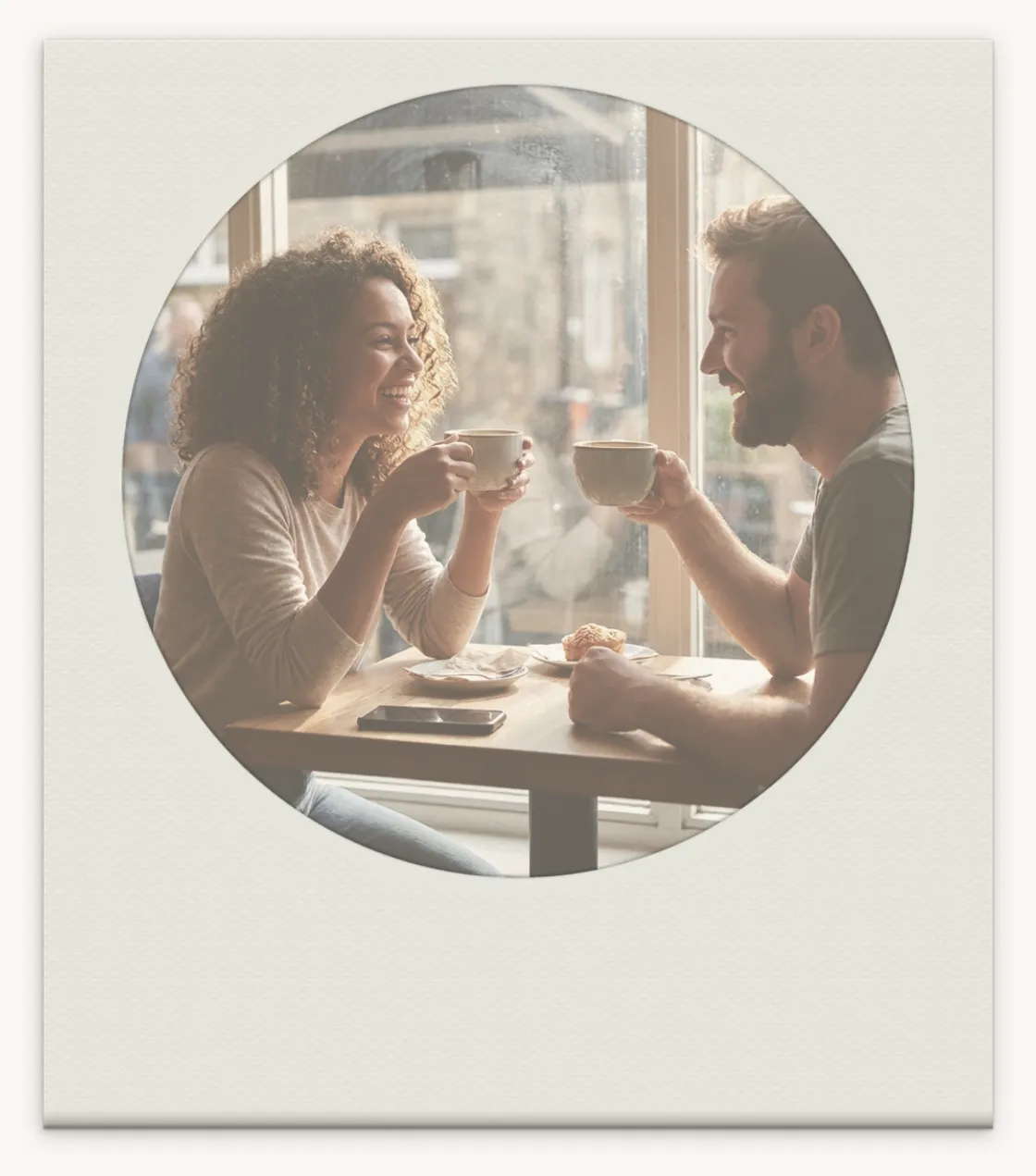
Tap Remix and VNTG puts your photo through a random camera, film and frame. Don't like it? Tap again. Love it? Keep it.
4.7 from 39,000+ ratings on the App Store
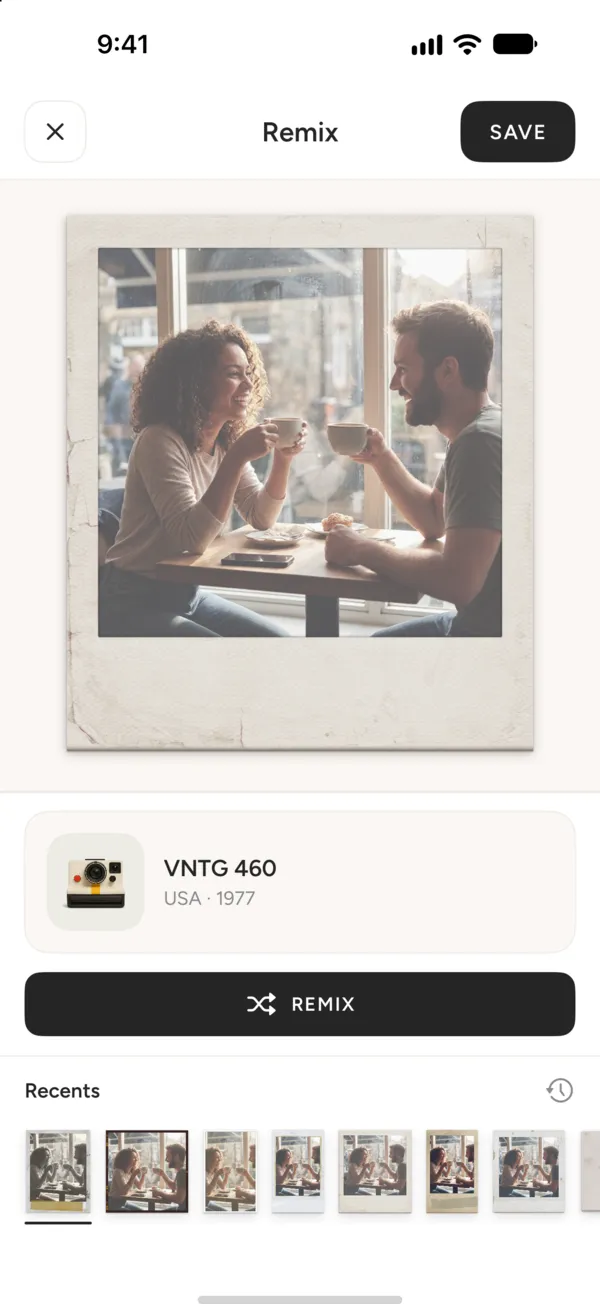
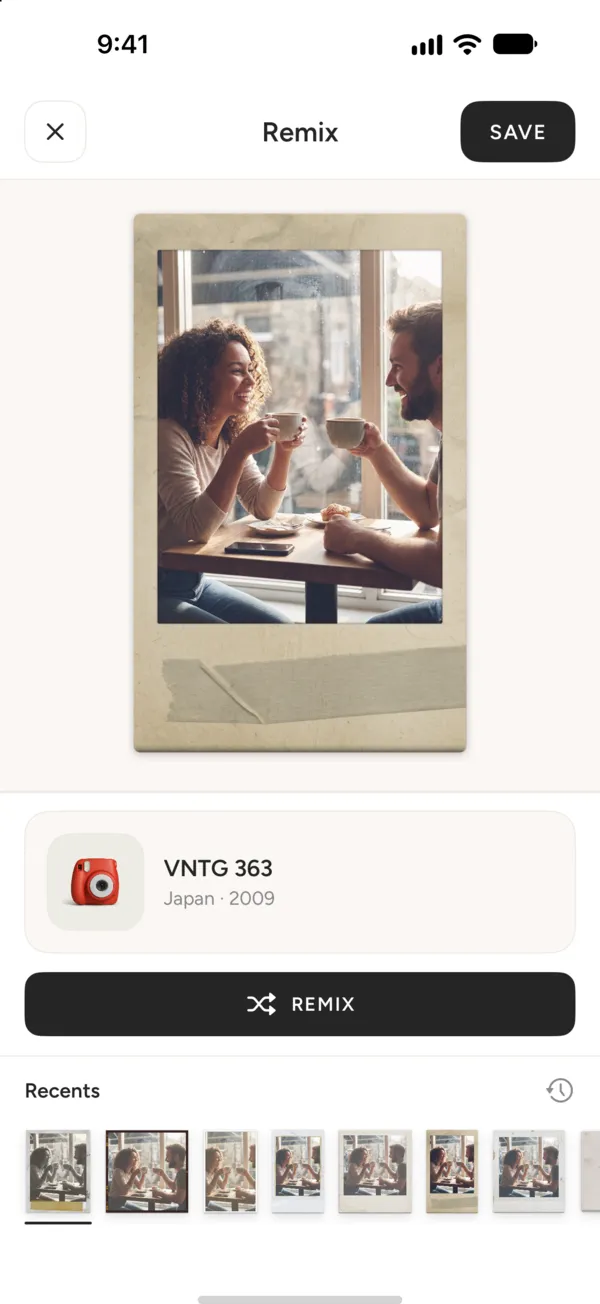
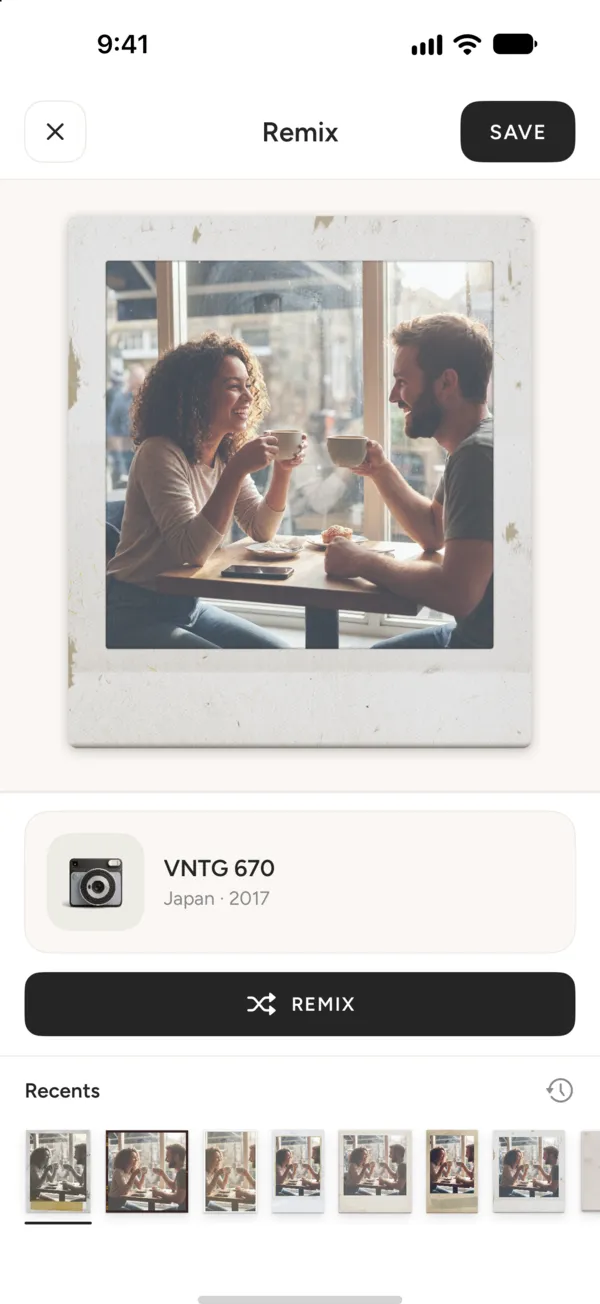
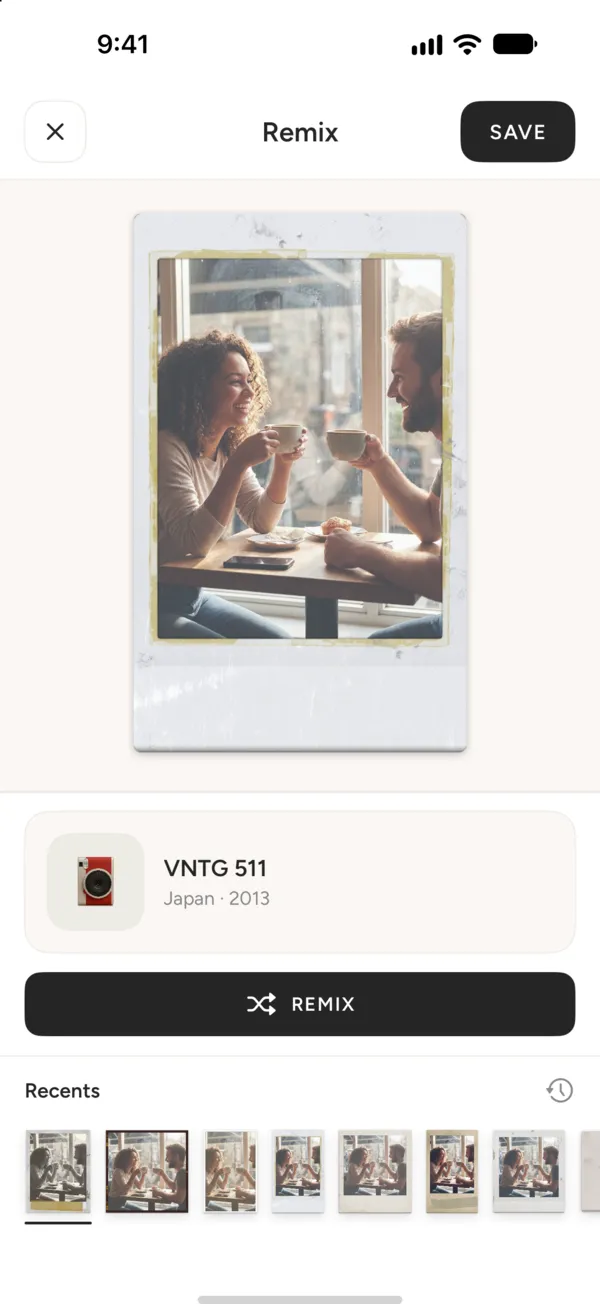
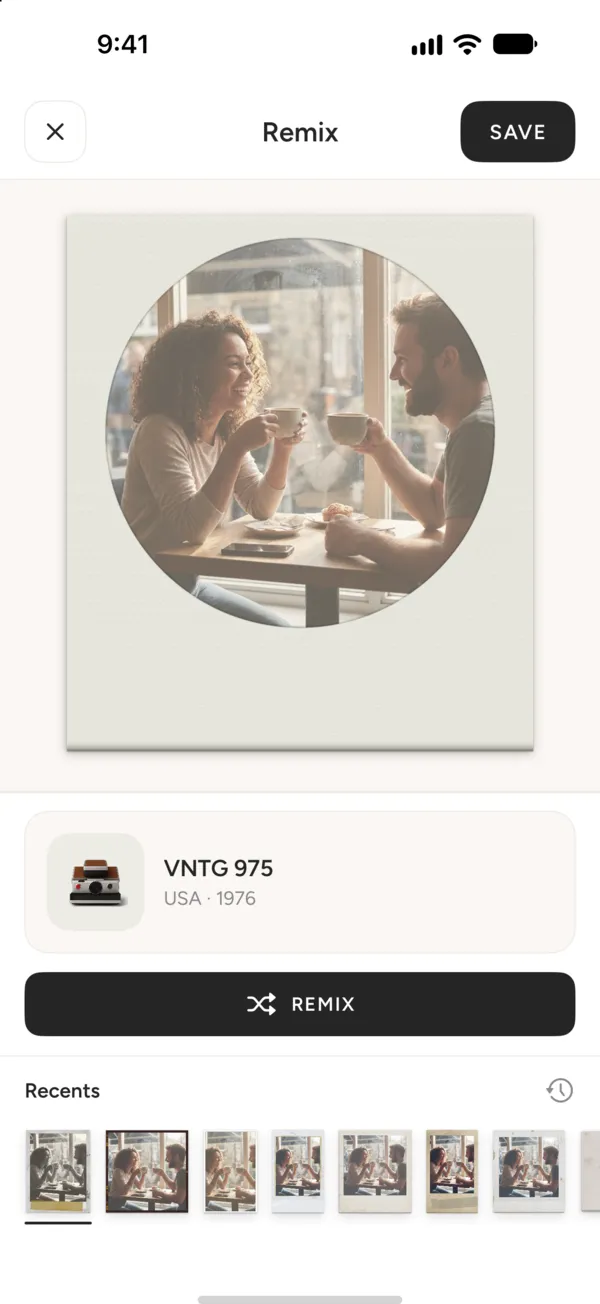
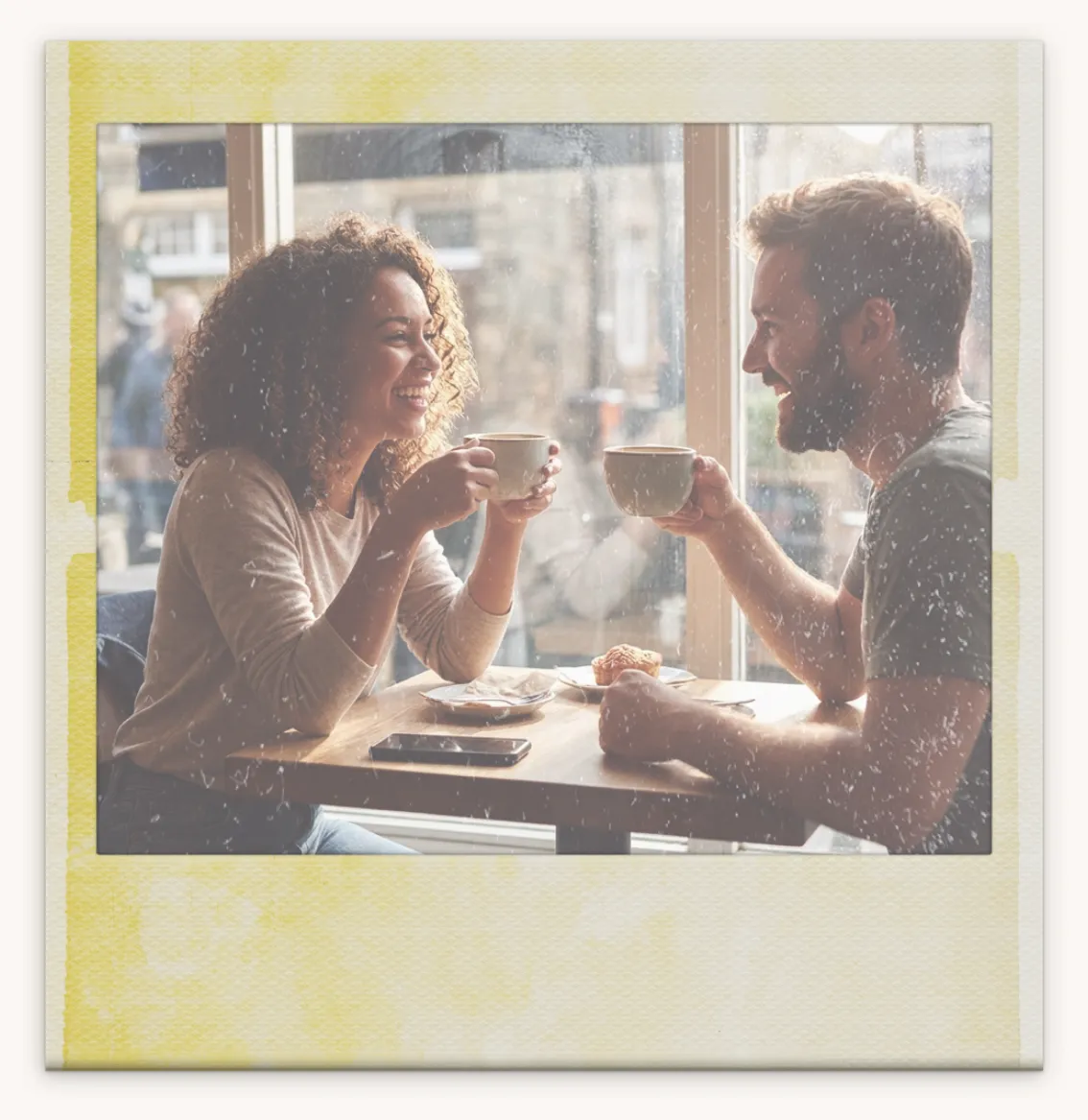
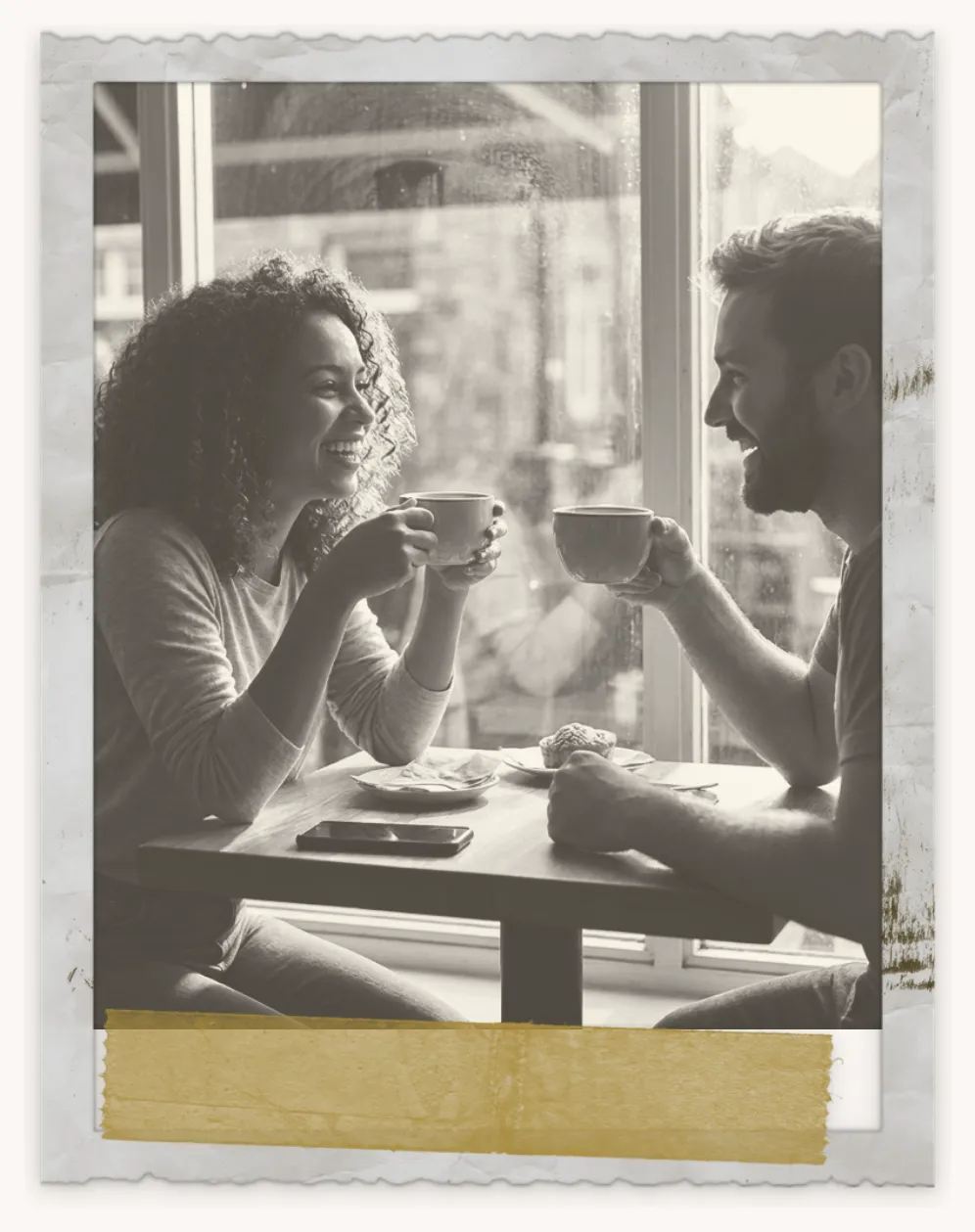
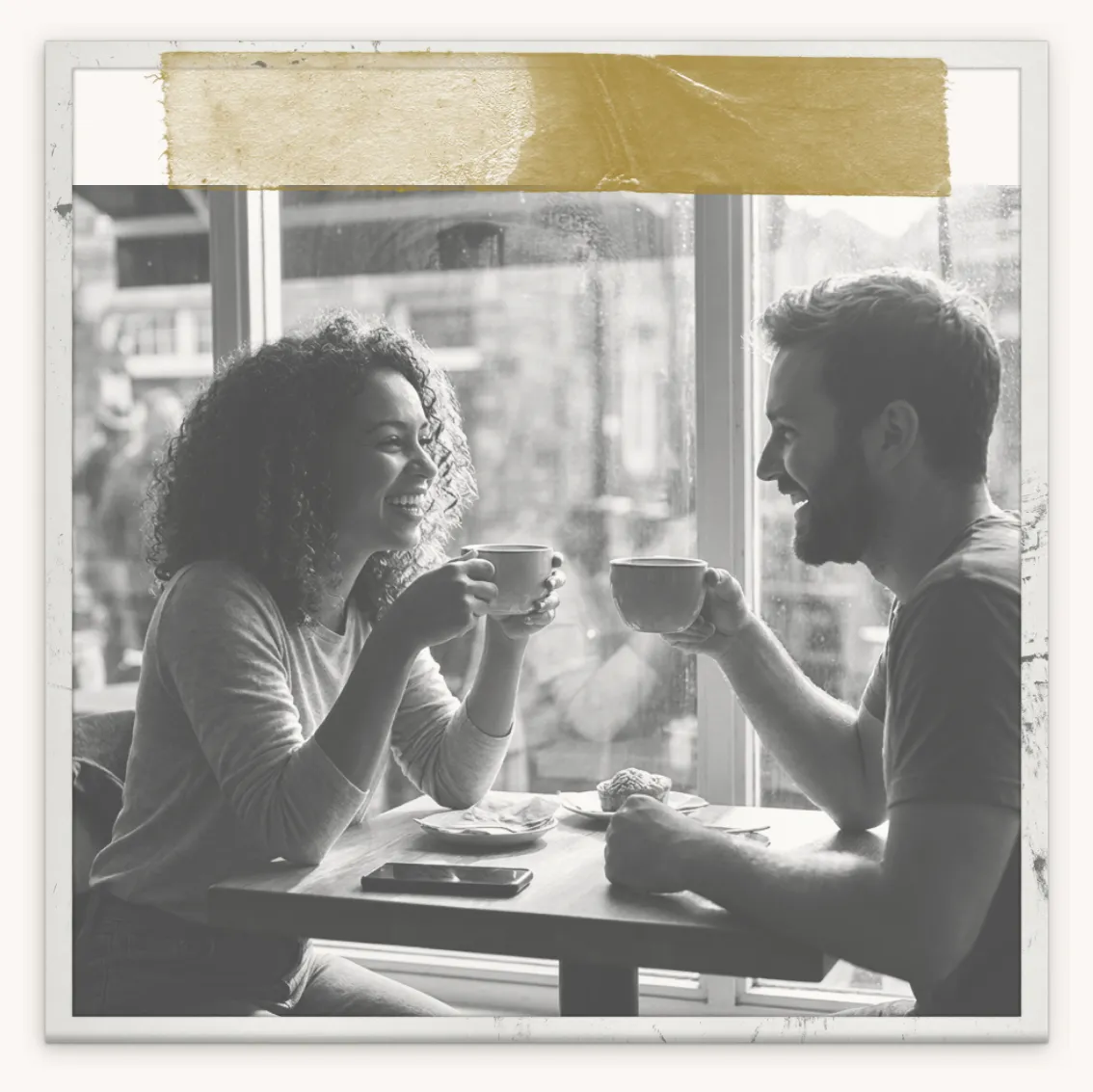
What every tap rolls
Each roll is a real camera's look, not a random mix of sliders, so every result still looks like it came from one camera.
- A camera
- One of 25, from antique to modern
- A film
- One of that camera’s own filters
- A frame
- One of its borders, when it has them
- An effect
- Sometimes, a light aged touch
How to remix a photo
In the VNTG app on iPhone. Your first new look is one tap away.
-
1
Pick a photo
In VNTG, tap Create, then Remix, and choose any photo from your library.
-
2
Tap Remix
Don’t like it? Tap again. Each tap is a new look.
-
3
Keep the one you love
Every roll waits in Recents, so you can go back to an earlier look before you save it.
Want to choose every detail yourself? Use Studio.
Questions
What people ask before they download.
Is Remix free?
Yes. Remix is free in VNTG, and free saves count toward your 5 saves a day. VNTG PRO makes saves unlimited and in 4K.
Can I go back to a look I passed?
Yes. Every roll is kept in the Recents strip under the photo, so an earlier look is one tap away.
Can I fine-tune a look I like?
Yes. Open it in Studio to change the frame, the film strength or the effects, or add a caption.
Does it change my original photo?
No. Your original stays as it was. Remix only makes new versions of it.
 Free on iPhone
Tap once. See your photo on film.
VNTG is free to download, and Remix comes with it.

4.7 from 39,000+ ratings