New in VNTG
Your iPhone is now a vintage camera
Pick a camera and shoot with it. Look through the finder, wind, flash, click, and every shot comes out as a print from its era.
4.7 from 39,000+ ratings on the App Store
Three cameras to shoot with
Each one with its own finder, controls, sound and print.
-
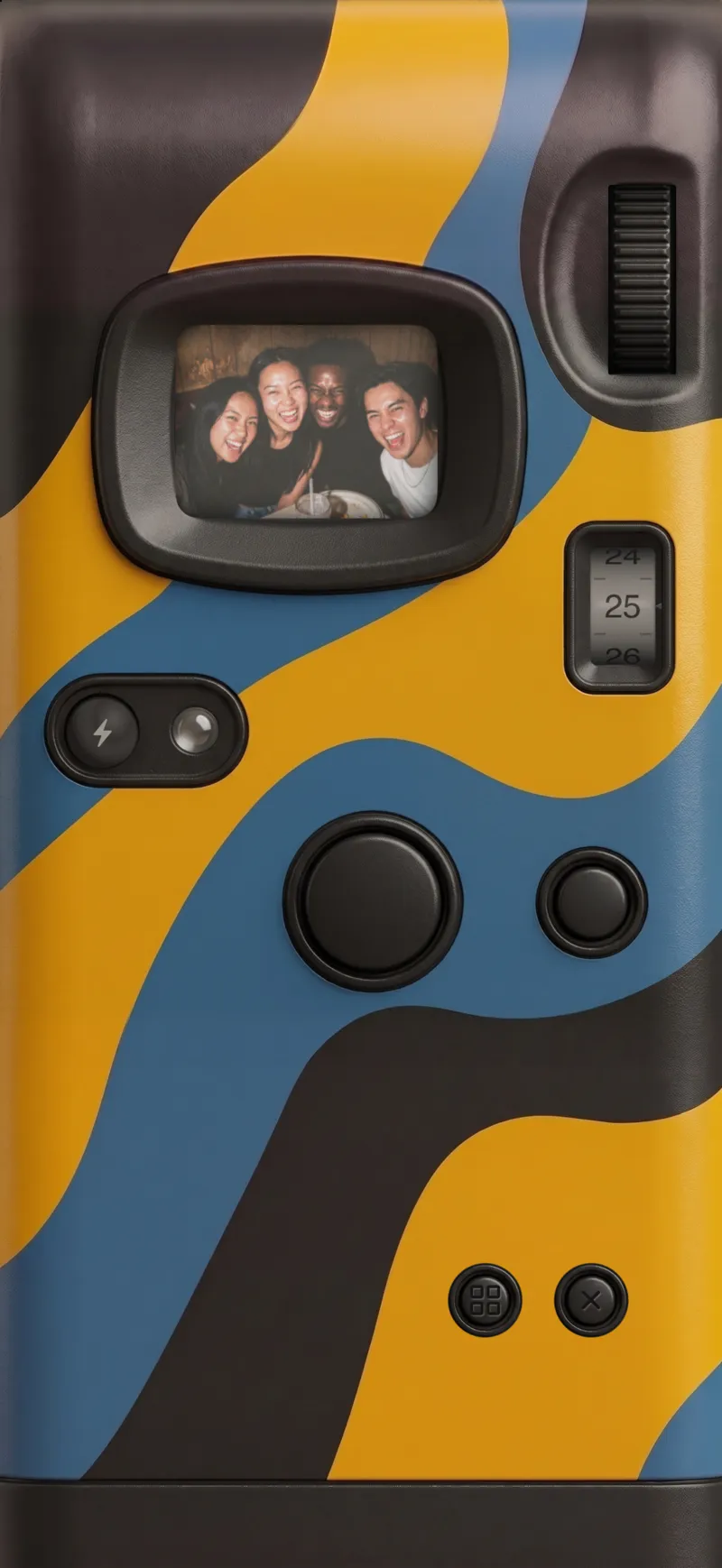
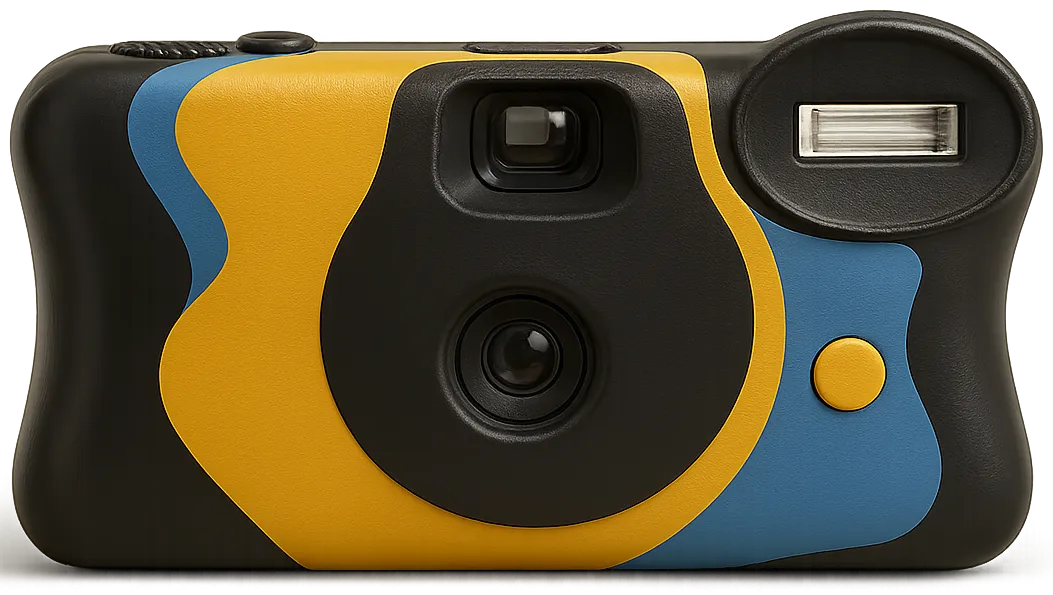
Disposable · 1996 · USA
The grainy 90s disposable, made for parties. Wind the film, fire the flash and watch the counter turn.
More about the V-788 -
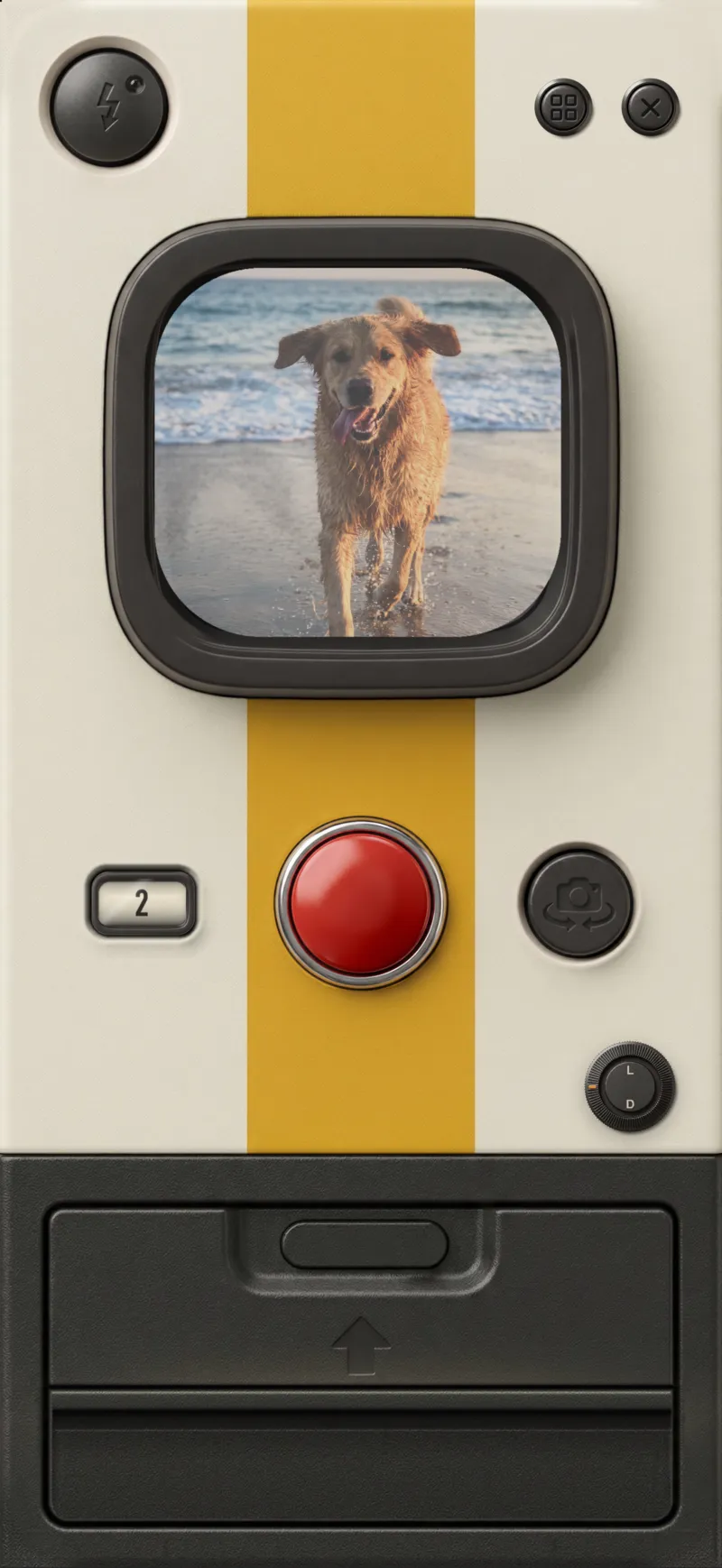
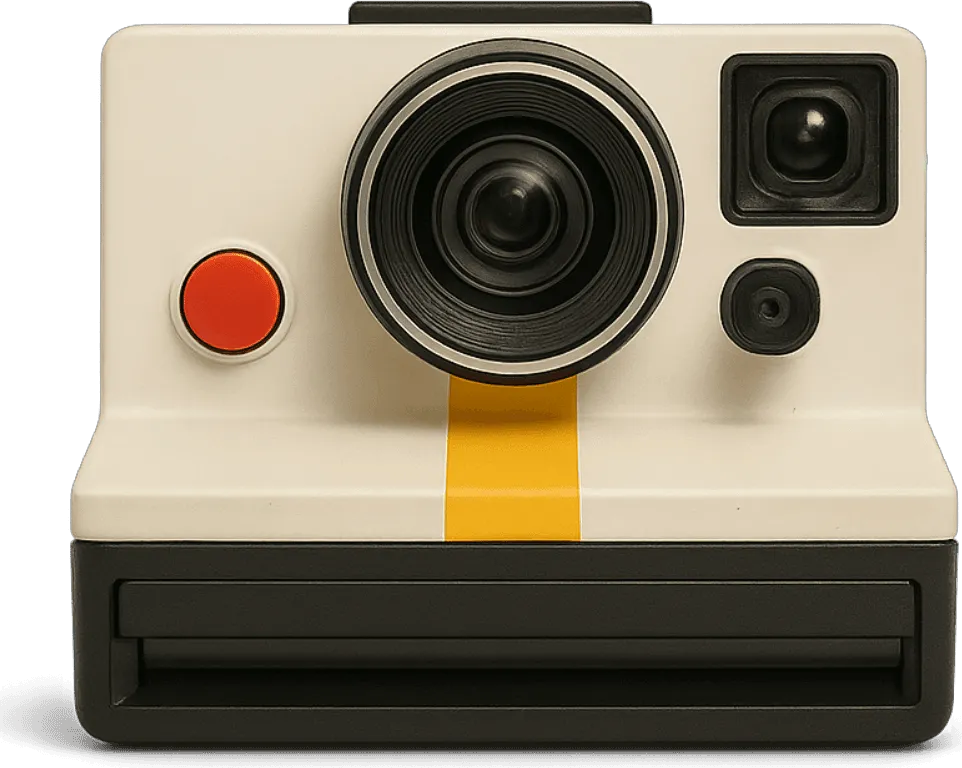
Instant · 1977 · USA
The classic 70s instant. Press the red shutter and a square print slides out and develops in your hand.
More about the V-460 -
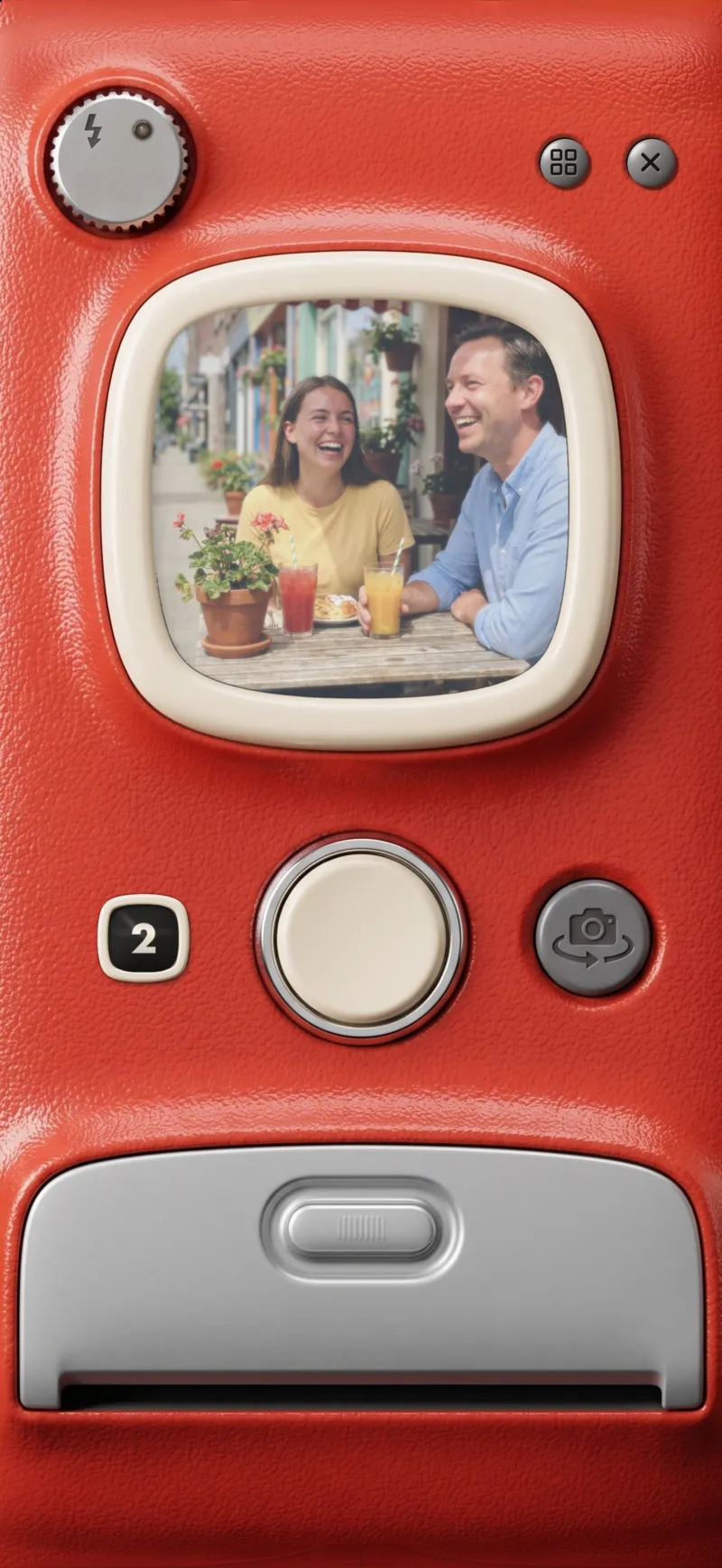
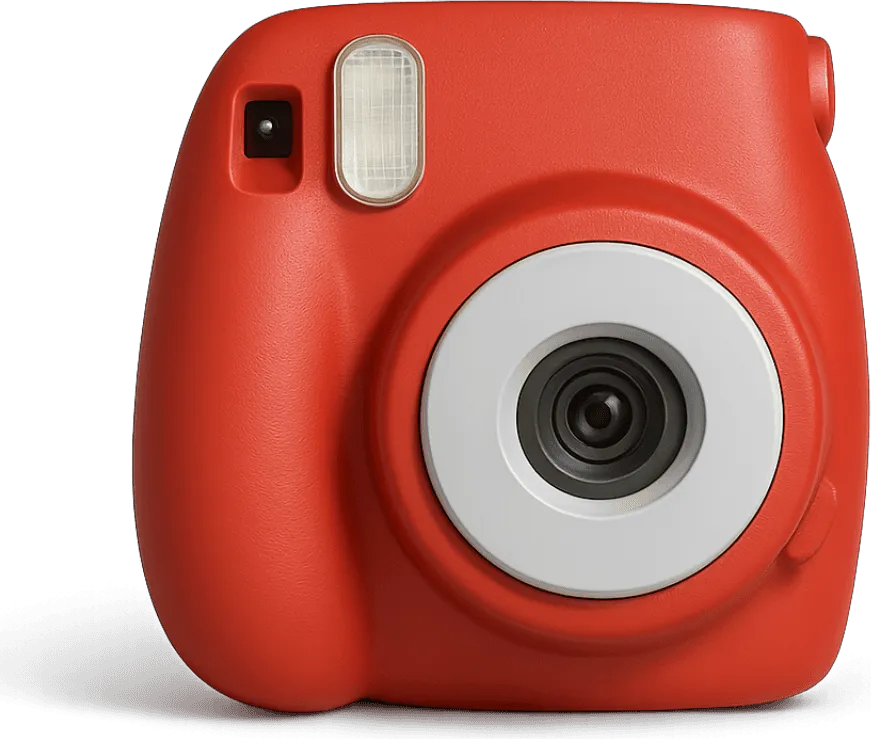
Mini instant · 2009 · Japan
A cool-toned pocket instant with a bright flash pop. Every shot comes out as a mini print.
More about the V-363
How it works
In the VNTG app on iPhone. Your first shot takes seconds.
-
1
Open the camera
In VNTG, tap Create, then Camera.
-
2
Pick a body
Swipe through your camera bag and choose the one that fits the moment.
-
3
Shoot and keep the print
Every shot lands in your VNTG gallery with its original kept, so you can change the look later.
Already have the photo?
Every camera also works on the photos already on your iPhone. Pick a camera, choose a photo, and it comes out with that camera's color, grain and frame.
See the V-460 on real photosQuestions
What people ask before they download.
Is the vintage camera free?
Yes. VNTG is free to download, and the V-460 and V-788 are free to shoot with. The V-363 comes with VNTG PRO.
Where do my shots go?
Into your VNTG gallery, ready to save or share. The original is kept next to each print, so you can re-edit any shot later with the same camera or another one.
Can I use the cameras on photos I already have?
Yes. Every camera in VNTG also works on the photos already on your iPhone: pick one, choose a photo and it comes out with that camera’s look, frame and grain.
Is it a filter on top of my camera?
No. You shoot through the camera itself: its finder, its shutter, its flash and its sound, and each shot comes out as a print with that camera’s color, grain and border.
 Free on iPhone
Your iPhone, on film.
VNTG is free to download, with two cameras to shoot with from the first day.

4.7 from 39,000+ ratings