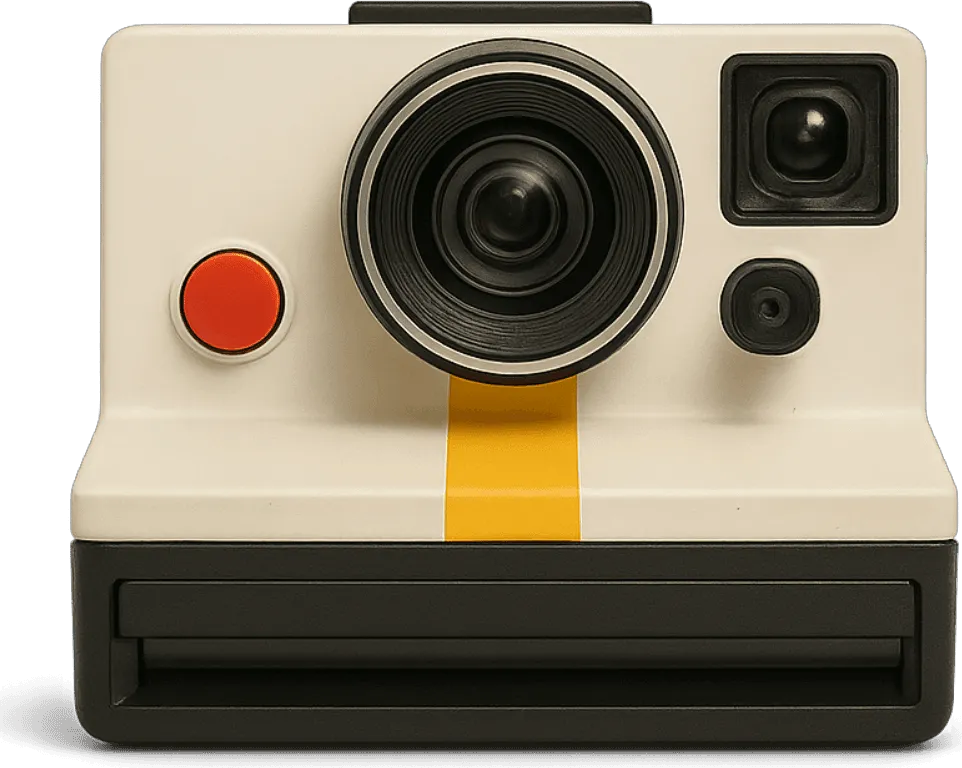

Instant camera · 1977 · USA
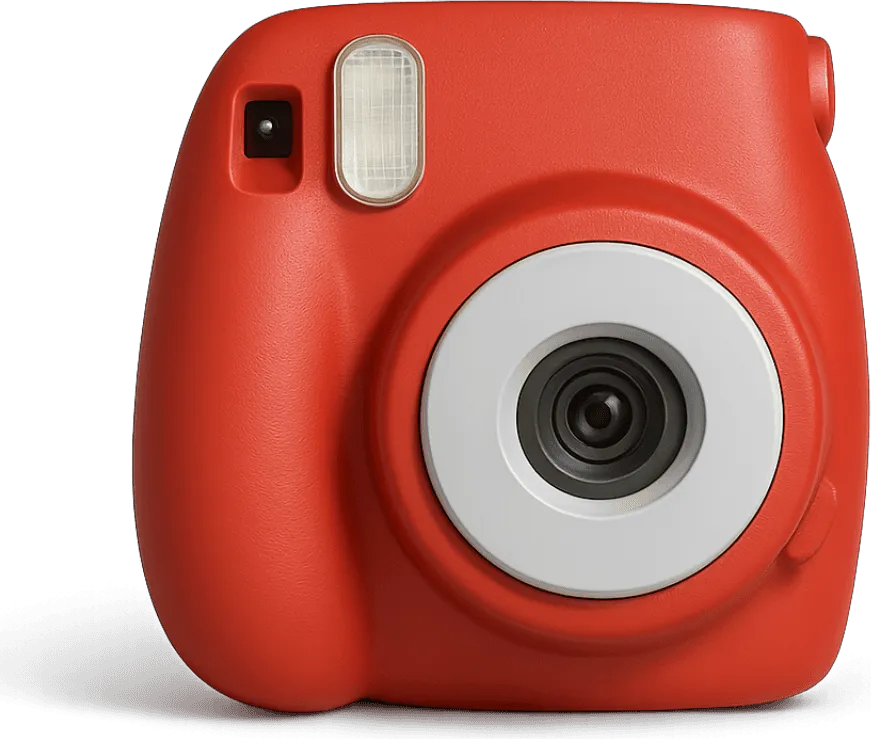
V-460: the 1970s instant camera look
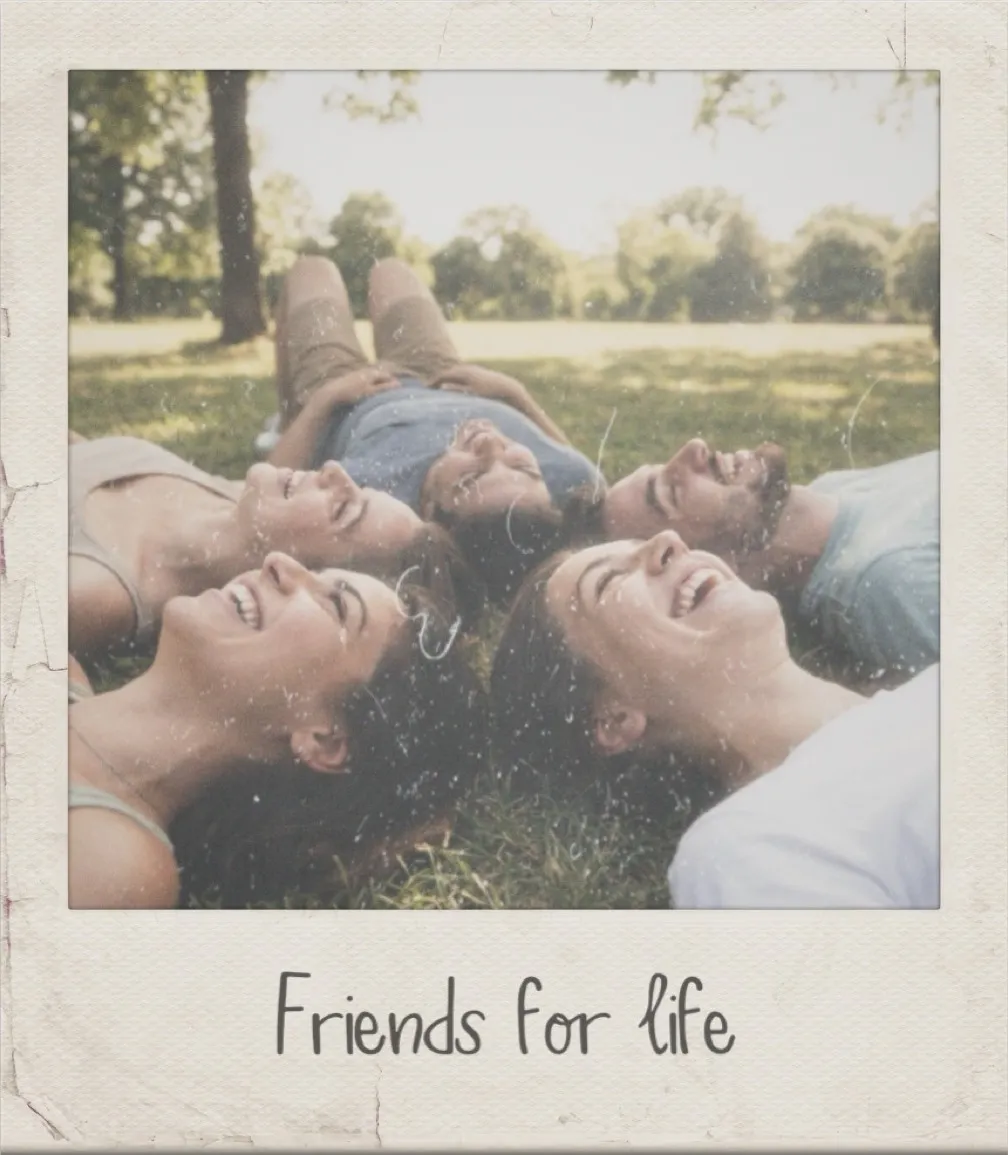
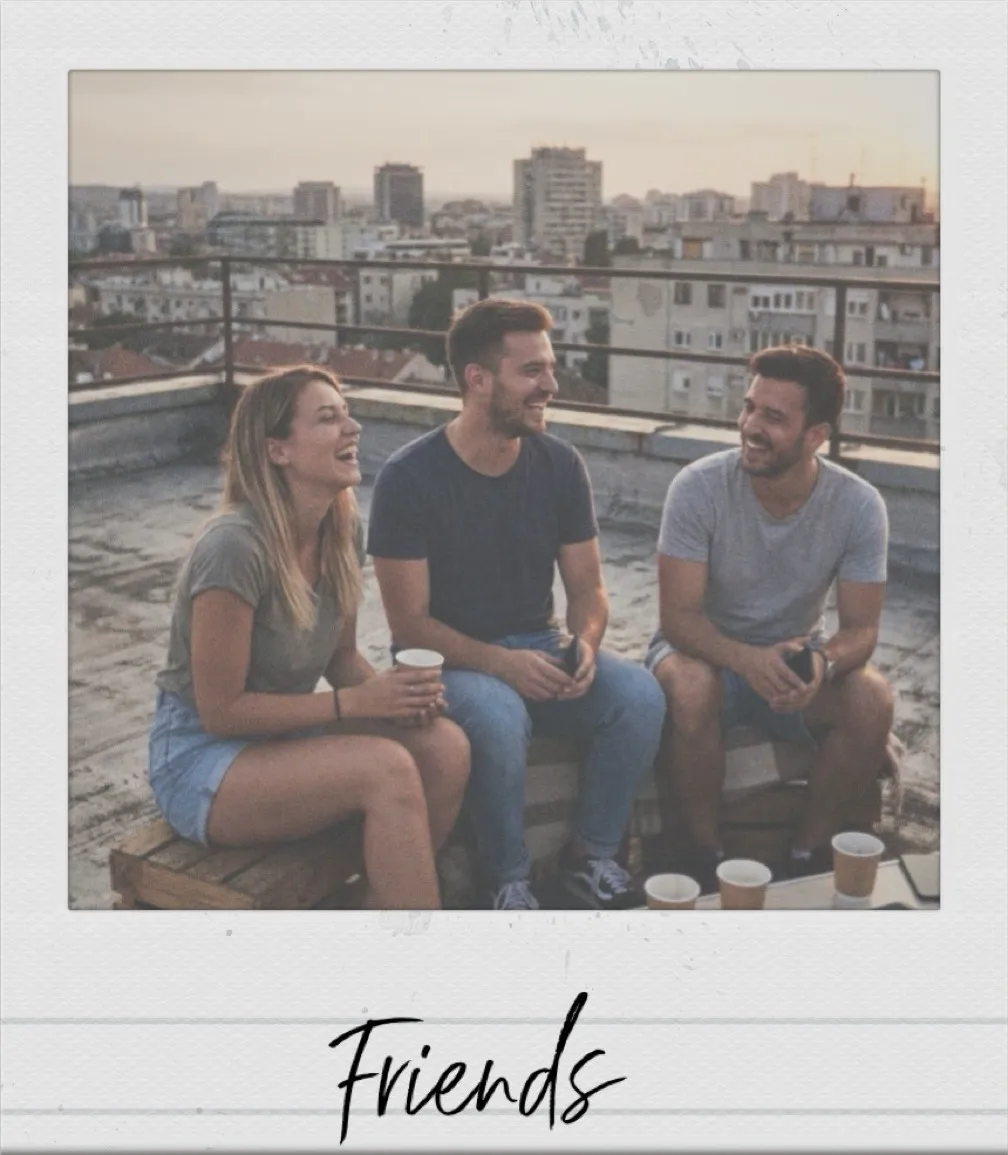
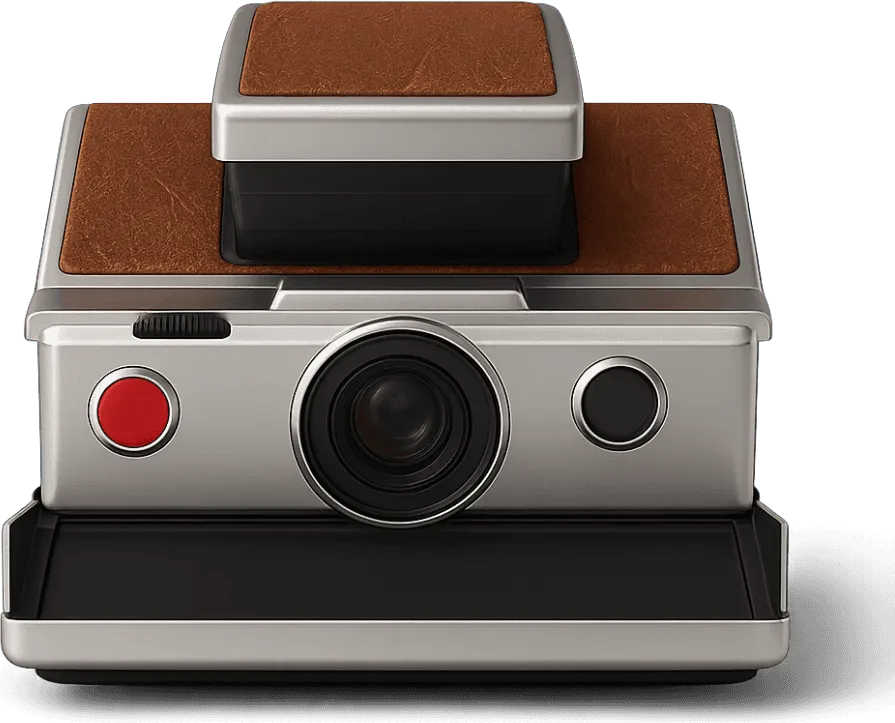
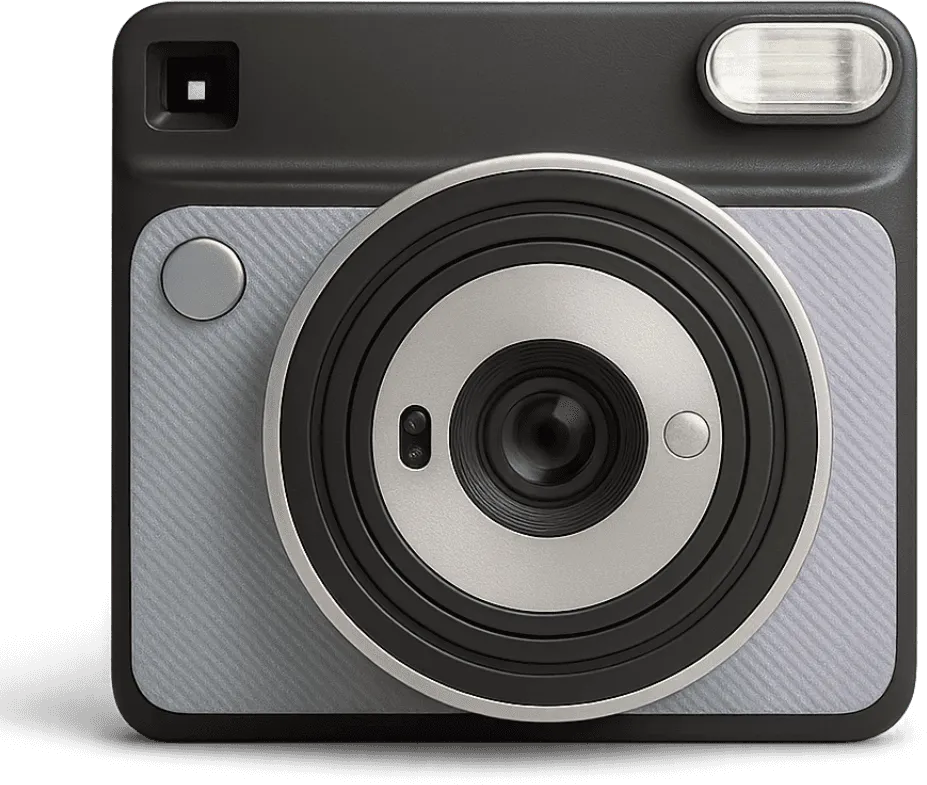
The classic 70s instant: warm, soft color on a square print, with a white edge for a handwritten caption. Put any iPhone photo on one.
“I converted over 100 pictures of my daughter growing up and then displayed them clipped to fairy lights at her graduation party.”
4.7 from 39,000+ ratings on the App Store
Shot on the V-460
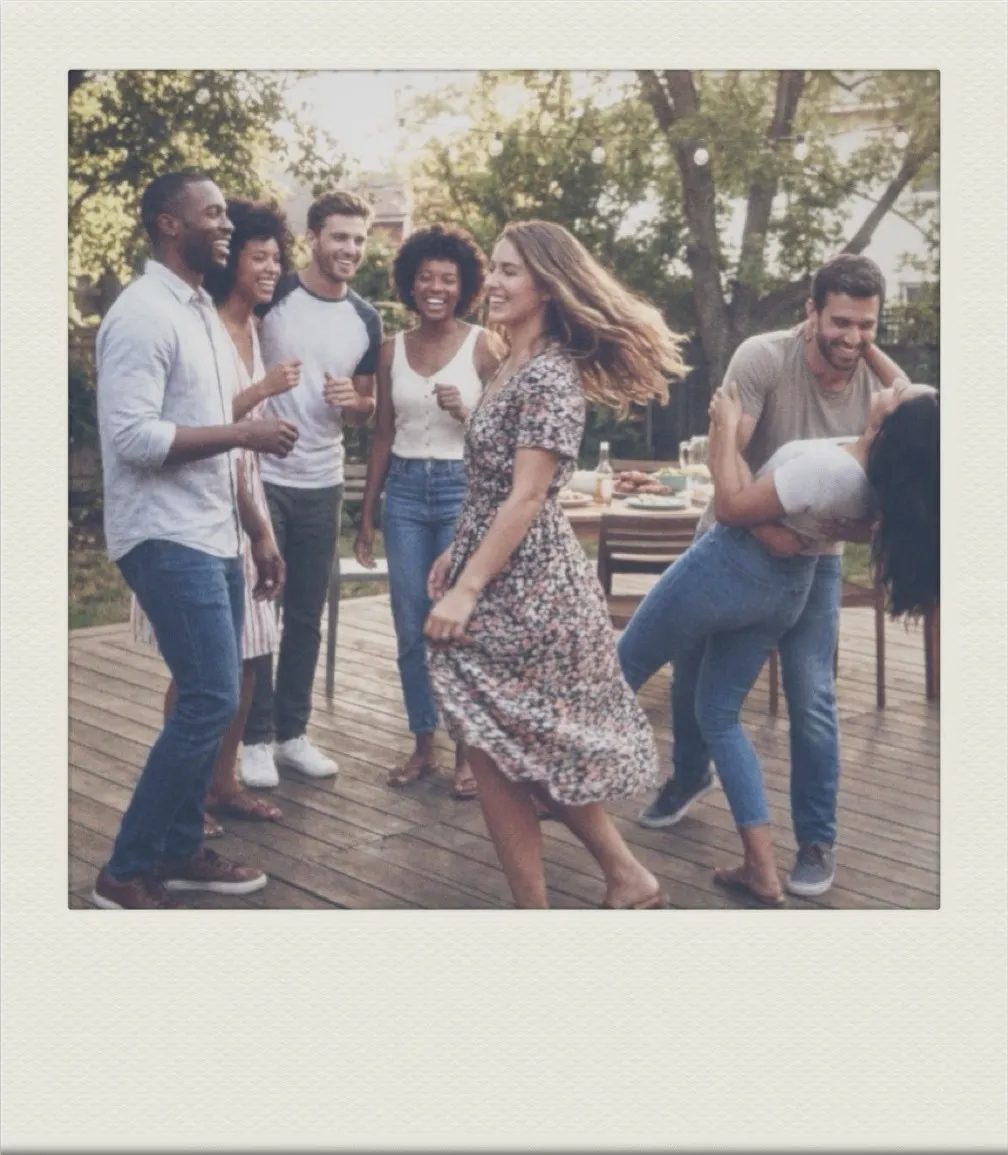
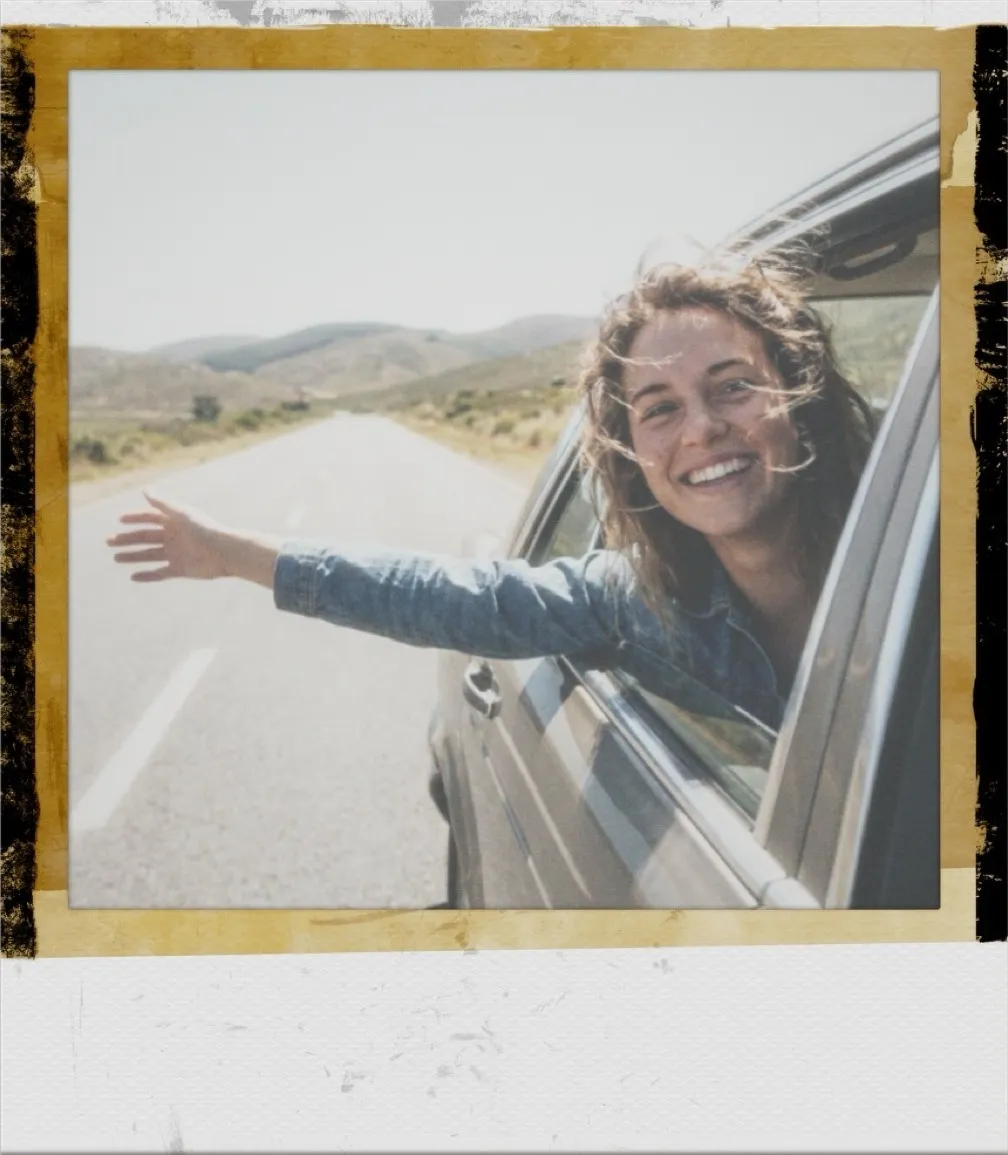
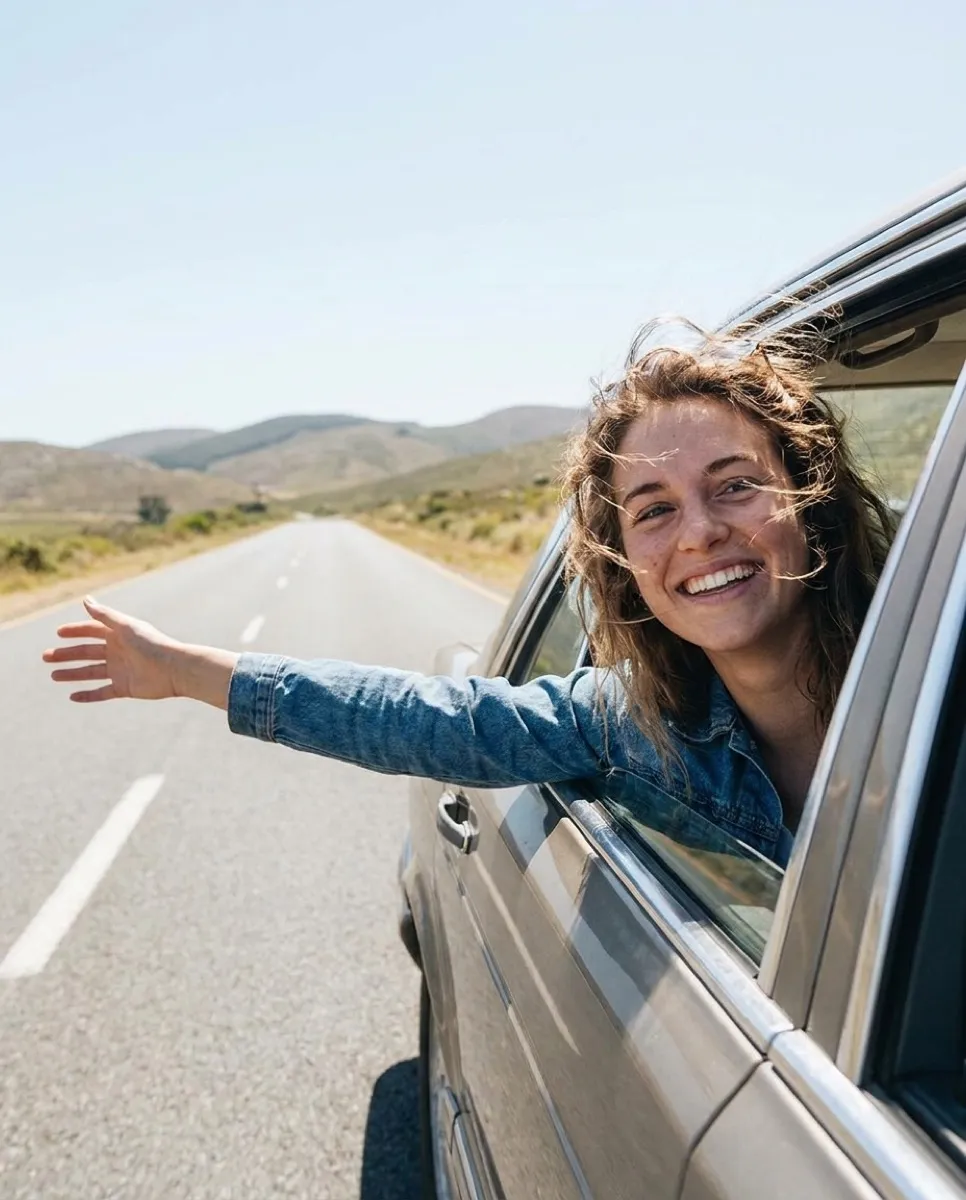
Ordinary phone photos, finished as 1970s instant prints. Hover over a print to see the original.Tap a print to see the original.


Also a camera
Your iPhone becomes the V-460
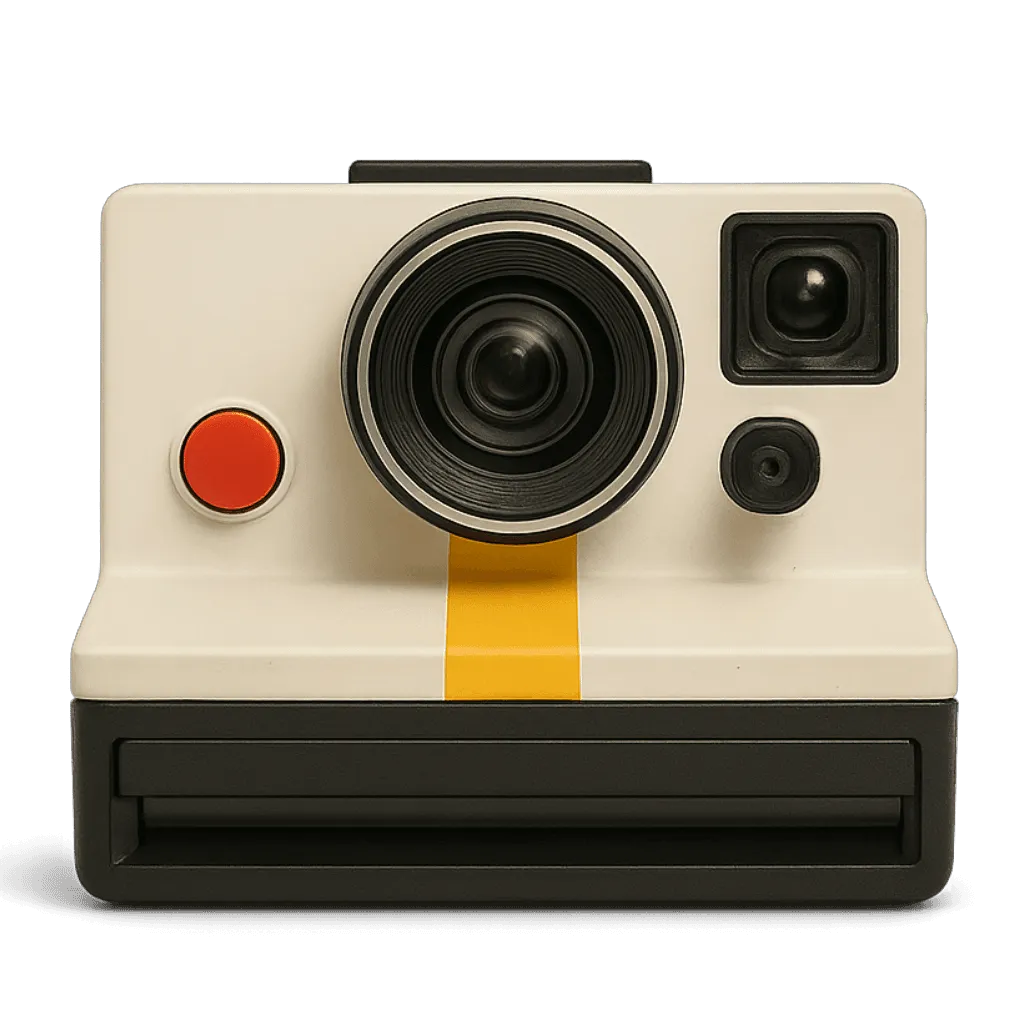
Open it as a vintage camera and shoot for real. Look through the finder, press the red shutter, and the print slides out and develops in front of you.
- The finder, the shutter and the click of the real thing
- Every shot comes out as a print you watch develop
- Free, like the rest of the V-460
Why 1970s instant photos look warm and soft
Instant film of the late 1970s developed inside the print itself. As the picture left the camera, a layer of chemistry spread across it, and the color dyes had to move up through the layers to form the image. That journey softened fine detail and gave color a gentle warmth, with highlights that bloom a little and shadows that never turn fully black.
The square shape came from the same chemistry. The wide strip at the bottom of every print held the developer, which is why it became the natural place to write a name or a date.
The prints kept changing after they dried. Over the years the cooler dyes faded first, so most photos that survive from the decade now lean warm and a little yellow. That is the look most people picture when they think of a 1970s instant.
The V-460 brings that back: soft, warm color on a square print, with a white edge for your caption.
What comes with the V-460
- Era
- 1977, USA
- Format
- Square 1:1 instant print
- Frames
- 6 instant borders
- Film
- 8 film stocks
- Effects
- 17 light and texture effects
- Captions
- 10 handwritten and period fonts
- Camera mode
- Shoot with it, print included
- Price
- Free in VNTG
How to get the look
In Studio, the vintage photo editor, on iPhone or iPad. It takes about a minute.
-
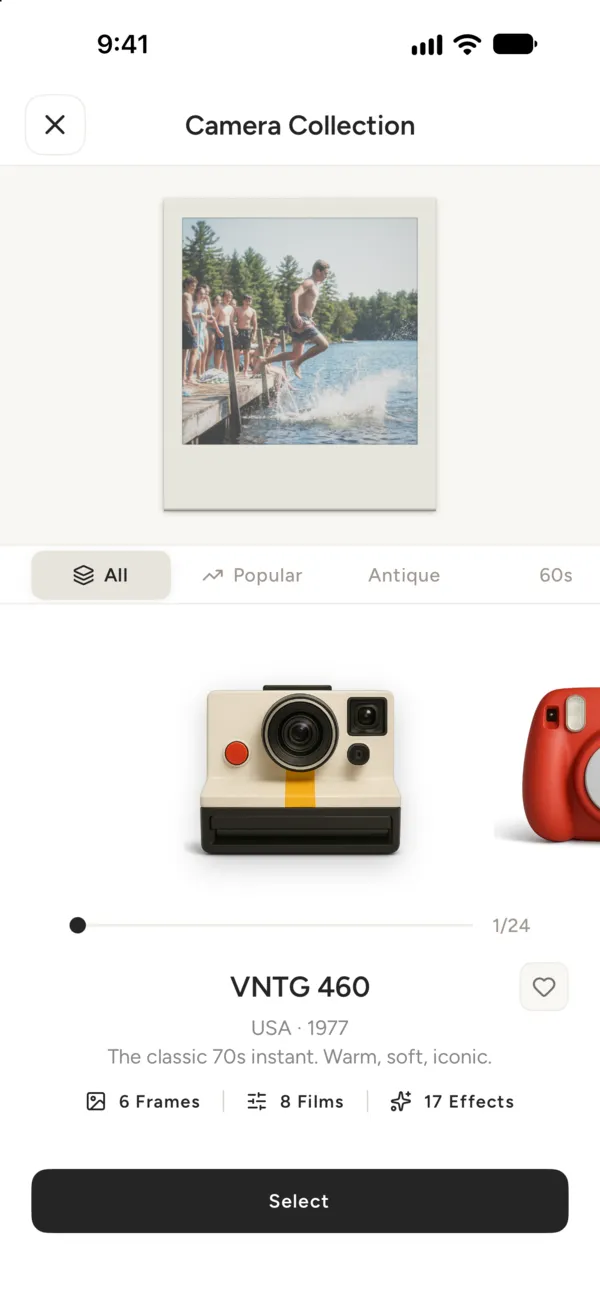
1
Pick the V-460
Open VNTG, go to your camera bag and swipe to the V-460.
-
2
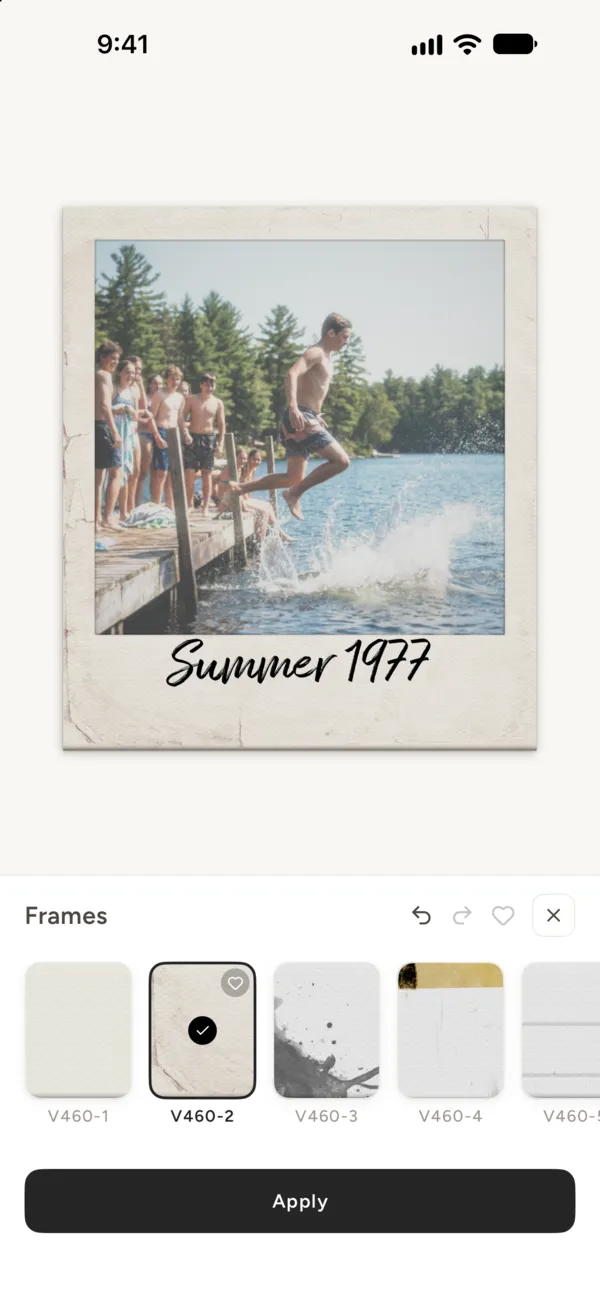
Choose a border
Take a new photo or pick one from your iPhone, then choose one of six instant borders.
-
3
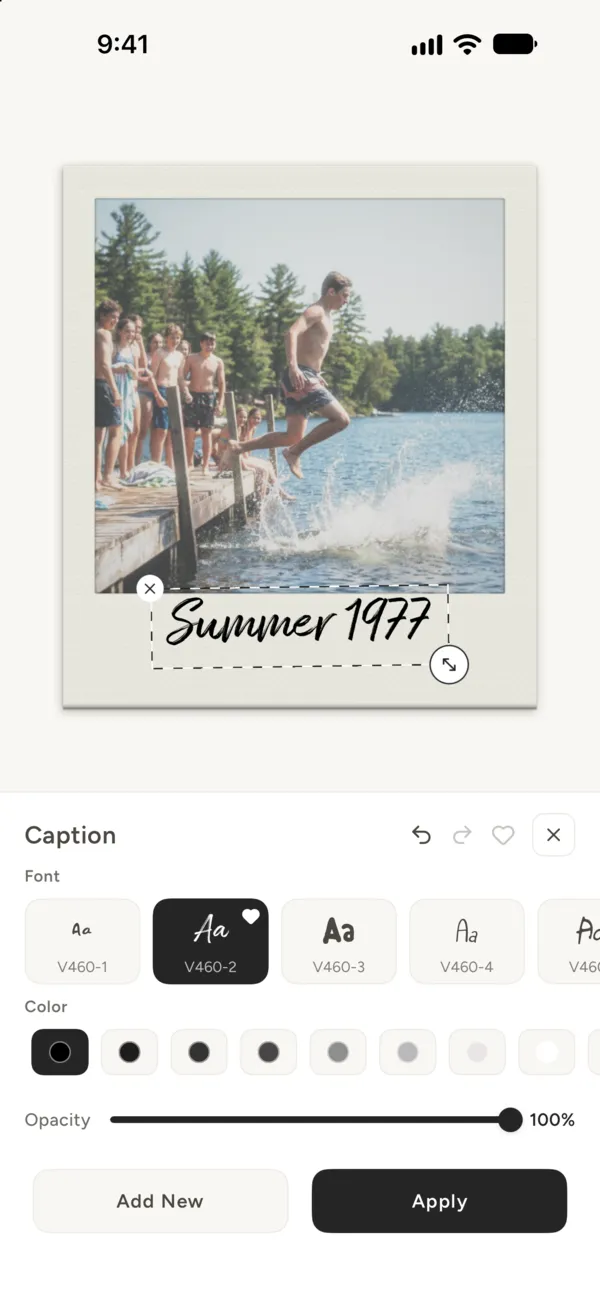
Write a caption
Add a caption in a handwritten font, then save or share the print.
V-460 questions
What people ask before they download.
Is the V-460 free?
Yes. The V-460 is one of the free cameras in VNTG, frames and captions included. VNTG PRO adds the PRO cameras, unlimited 4K saves and editing many photos at once.
What does the V-460 look like?
Warm, soft color with gentle contrast, on a square print with a wide white border at the bottom for a caption. It is modelled on the classic instant cameras of the late 1970s.
Can I use it on photos I already have?
Yes. Import any photo from your library and VNTG re-renders it through the V-460. Your original stays untouched.
Can I shoot with the V-460 instead of editing?
Yes. Open the V-460 as a camera: you look through its finder, press the shutter, and each shot comes out as a print that develops on screen. It is free, like the rest of the V-460.
Does the V-460 work on video?
No. The V-460 is a photo camera: every shot and every edit comes out as a still print.
 Free on iPhone
Your next photo, as a 1970s print.
VNTG is free to download, and the V-460 comes with it.

4.7 from 39,000+ ratings